
 MONA OS 2.0
 Partner with MONA


 Tự động hoá doanh nghiệp
 Cẩm nang SEO
 Digital Marketing
 Kinh nghiệm thiết kế website
 Hạ Tầng Server
 Giáo dục

 VI
VI
 EN
EN

















Message us on
Zalo Official


 ProductsNew

 ProductsProducts
 Mới ra mắtKHA AI 2027App tự edit video, tự đăng mọi mạng xã hội, 2 phút mỗi ngày










 Website designLooks good and wins customers over.
SEO servicesBrings in customers searching for exactly what you sell.
Website designLooks good and wins customers over.
SEO servicesBrings in customers searching for exactly what you sell.
 Tư vấn digital marketingKéo khách từ nhiều kênh, đo bằng số thật.
Corporate video productionVideos introducing your company, factory and team.
Tư vấn digital marketingKéo khách từ nhiều kênh, đo bằng số thật.
Corporate video productionVideos introducing your company, factory and team.
 NewAI video productionCompany story films made with AI.
 Custom software developmentCRM, ERP and HRM built for your business.
 Viết AI Agent theo yêu cầuĐặt riêng một trợ lý AI cho đúng việc của mình.
 Tư vấn chuyển đổi AIĐưa AI vào vận hành của cả công ty.
NewMONA LMSManagement for centers and schools.
MONA SkillHubInternal training for company staff.
Tư vấn chuyển đổi AIĐưa AI vào vận hành của cả công ty.
NewMONA LMSManagement for centers and schools.
MONA SkillHubInternal training for company staff.
 NHTQ systemEnd-to-end China–Vietnam shipping operations.
MONA JMSManagement for gold, diamond and pawn shops.
NHTQ systemEnd-to-end China–Vietnam shipping operations.
MONA JMSManagement for gold, diamond and pawn shops.
 MONA E-LearningA website with every feature you need to sell courses.
 How to sell online courses (course)More than 30 free lessons on selling courses on autopilot.
 MONA Cloudmonacloud.vnServers to get your apps and websites running.
 MONA Basemonabase.vnPostgres database, sign-in and file storage.
 MONA Mailmonamail.vnSend OTP, order and invoice emails from your software.
 MONA Paymonapay.vnAccept bank transfers via VietQR and notify your software when the money arrives.
 MONA eInvoiceComing soonIssue e-invoices that meet tax standards.
Gấu CườiTrả lời khách 24/7 trên web, Fanpage, Zalo và thu lead cho sale.
MONA eInvoiceComing soonIssue e-invoices that meet tax standards.
Gấu CườiTrả lời khách 24/7 trên web, Fanpage, Zalo và thu lead cho sale.
 Gấu TeleSalesGọi điện tư vấn, chăm khách như tổng đài viên thật.
Dê CườiTư vấn và chốt đơn cho shop ngay trong khung chat.
Gấu WebmasterNhắn nhóm Zalo là website được sửa xong.
Gấu TeleSalesGọi điện tư vấn, chăm khách như tổng đài viên thật.
Dê CườiTư vấn và chốt đơn cho shop ngay trong khung chat.
Gấu WebmasterNhắn nhóm Zalo là website được sửa xong.
 Gấu Pháp ChếSoạn hợp đồng, rà điều khoản trong vài phút.
 Gấu Báo GiáLên báo giá đúng mẫu và gửi khách ngay.
 AI chăm sóc khách hàngTheo dõi và giữ chân khách hàng cũ.
 Gấu Tuyển DụngLọc hồ sơ, hẹn lịch, phỏng vấn ứng viên.
 Mới ra mắt
KHA AI 2027
Xây kênh chuyên gia 2 phút mỗi ngày
Quay bằng điện thoại, AI tự edit video, tự đăng lên 16 nền tảng và tự trả lời bình luận, tin nhắn.
435.970lượt xem trên kênh CEO MONA sau 23 ngày
Mới ra mắt
KHA AI 2027
Xây kênh chuyên gia 2 phút mỗi ngày
Quay bằng điện thoại, AI tự edit video, tự đăng lên 16 nền tảng và tự trả lời bình luận, tin nhắn.
435.970lượt xem trên kênh CEO MONA sau 23 ngày
 Anh Khánh HùngCEO MONA đang dùng mỗi ngày
Xem app làm được gì
Anh Khánh HùngCEO MONA đang dùng mỗi ngày
Xem app làm được gì
 AI
Gấu Cười MONA ĐANG TỰ XÀITrả lời khách 24/7 trên website, Zalo OA, Messenger và thu lead về cho sale.
Dê CườiChốt đơn bán lẻ và sàn: Shopee, TikTok Shop, web. Chăm cả khách sỉ, đại lý.
Gấu WebmasterCập nhật nội dung, tối ưu SEO website mỗi ngày.
Gấu TeleSalesGọi điện tư vấn, chăm khách như tổng đài viên thật.
Gấu Tuyển DụngLọc hồ sơ, hẹn lịch, phỏng vấn ứng viên tự động.
AI chăm sóc khách hàngGiữ khách cũ, cứu lead đã rớt cho phòng kinh doanh.
Gấu Pháp ChếSoạn hợp đồng, rà điều khoản trong vài phút.
Gấu Báo GiáLên báo giá đúng mẫu, gửi khách ngay khi có yêu cầu.
AI
Gấu Cười MONA ĐANG TỰ XÀITrả lời khách 24/7 trên website, Zalo OA, Messenger và thu lead về cho sale.
Dê CườiChốt đơn bán lẻ và sàn: Shopee, TikTok Shop, web. Chăm cả khách sỉ, đại lý.
Gấu WebmasterCập nhật nội dung, tối ưu SEO website mỗi ngày.
Gấu TeleSalesGọi điện tư vấn, chăm khách như tổng đài viên thật.
Gấu Tuyển DụngLọc hồ sơ, hẹn lịch, phỏng vấn ứng viên tự động.
AI chăm sóc khách hàngGiữ khách cũ, cứu lead đã rớt cho phòng kinh doanh.
Gấu Pháp ChếSoạn hợp đồng, rà điều khoản trong vài phút.
Gấu Báo GiáLên báo giá đúng mẫu, gửi khách ngay khi có yêu cầu.
 Chuyển đổi AI toàn phầnGiải pháp tổng cho doanh nghiệp, 3 lớp triển khai.
 Viết AI Agent theo yêu cầuĐặt riêng một con AI gánh đúng nghiệp vụ của bạn.
 Custom softwareCRM, ERP and HRM with built-in AI automation.
 SEO & AEO thời đại AIĐược Google lẫn AI trích dẫn, không chỉ xếp hạng.
 Kiến thức AI cho doanh nghiệpBài phân tích, hướng dẫn ứng dụng AI vào vận hành.
 Free AI courses
 AI tools at work
App mới · KHA AI 2027
Xây kênh 2 phút mỗi ngày
AI tự edit video, tự đăng mọi mạng xã hội
Free consultation, 8am–10pm every day
AI tools at work
App mới · KHA AI 2027
Xây kênh 2 phút mỗi ngày
AI tự edit video, tự đăng mọi mạng xã hội
Free consultation, 8am–10pm every day

23 May, 2023

Same product, same 10 million VND budget, and two people end up with results that differ by 3 to 4 times in profit. The gap is rarely a prettier ad. It comes from the dashboard the winner understands and the loser clicks through at random: Ads Manager. This is Meta's tool for building campaigns, setting budgets, targeting audiences and reading results for ads on Facebook, Instagram and Messenger. Our ads team works in it every day, and this article collects the parts worth your time: the 3-level structure, a step-by-step campaign build, how to read the numbers, and the optimization rules that don't break learning data. It takes about 12 minutes to read, and you can follow along with the tool open.
Ads Manager, officially Meta Ads Manager, is the cockpit for all paid advertising across Meta's platforms. On one screen you build a campaign, choose who sees the ad, set a daily spend, and then track how each unit of ad money turns into clicks and orders over the last 7 days. You open it by going to adsmanager.facebook.com, or by clicking Ads Manager in the menu of your personal Facebook account.
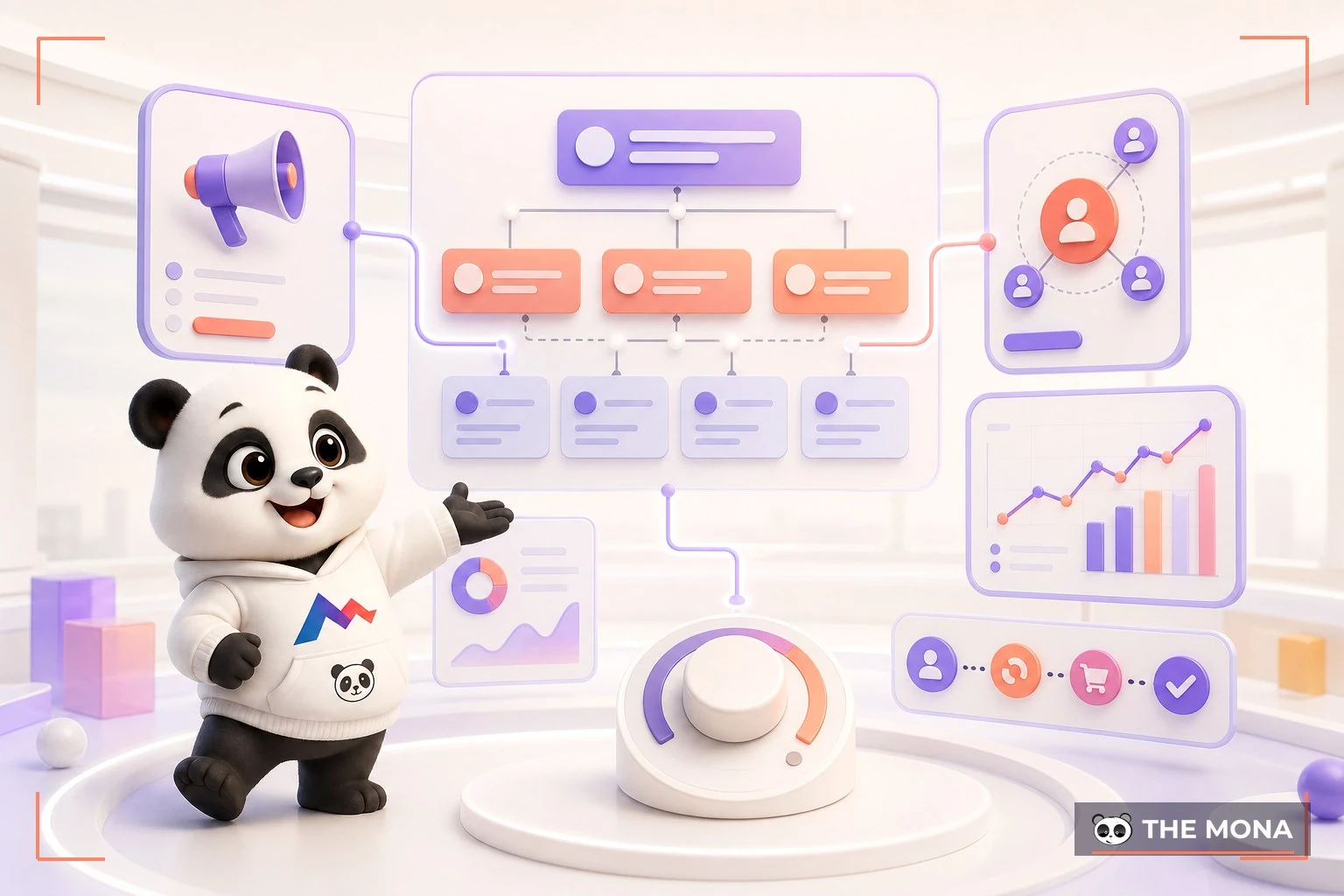
Don't confuse it with the blue Boost Post button on a fanpage. Boosting is a cut-down version for non-specialists: few controls, rough audience targeting, and most of the money spent buys engagement, not orders. Anyone who treats advertising as a real sales channel works in the full Ads Manager, which has the 3-level structure and the measurement tools this article walks through. Boosting is a toy. This is the real toolkit.
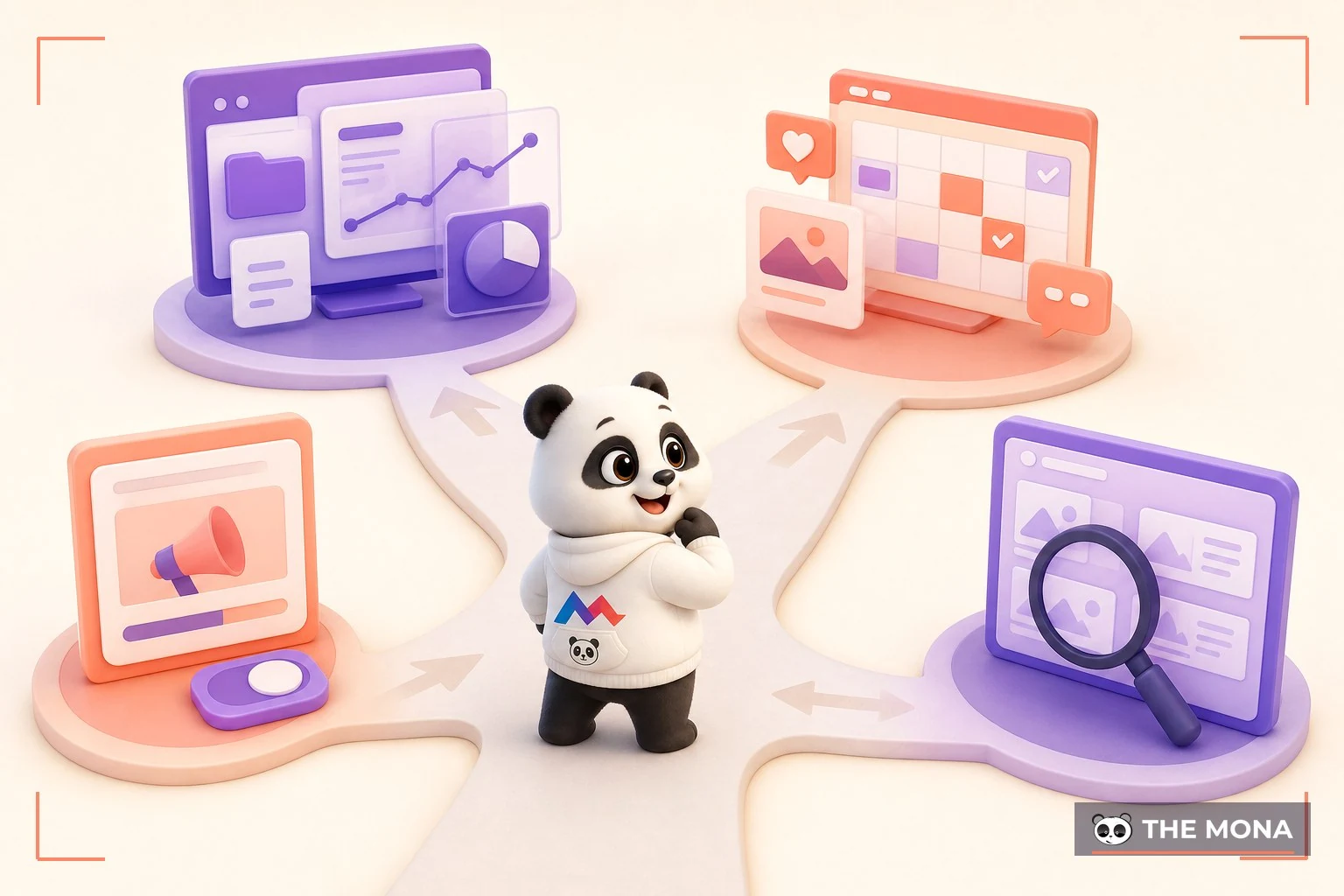
Meta's tools often get mixed up, so let's set out each one's role once:
| Tools | Vai | Use it when |
|---|---|---|
| Ads Manager | Control panel for running paid ads | Build campaigns, set budgets, read results |
| Business Suite | Page management: posting, replying to messages, content calendar | Operations fanpage Daily |
| Ads Library | A public archive of every page's ads | Research competitors before writing your ads |
In one sentence, the standard routine for someone running ads: once a month, look through the Ads Library to see what the market is saying; twice a week, build and read results in Ads Manager; and leave daily page care to Business Suite. Three tools, three jobs. Don't mix them up.
Without a solid foundation, ad money disappears without a trace. Here is a 4-point checklist, and you should finish all of it before you click create campaign:

These four items take 2 to 3 days to finish. The longest is about 1 hour to install the Pixel, if you already have edit access to the website. This is also the first gap between the two advertisers at the top of this article. Foundation first, money second.
Everything in Ads Manager is arranged in 3 levels. Once you know which level decides what, the confusion goes away:
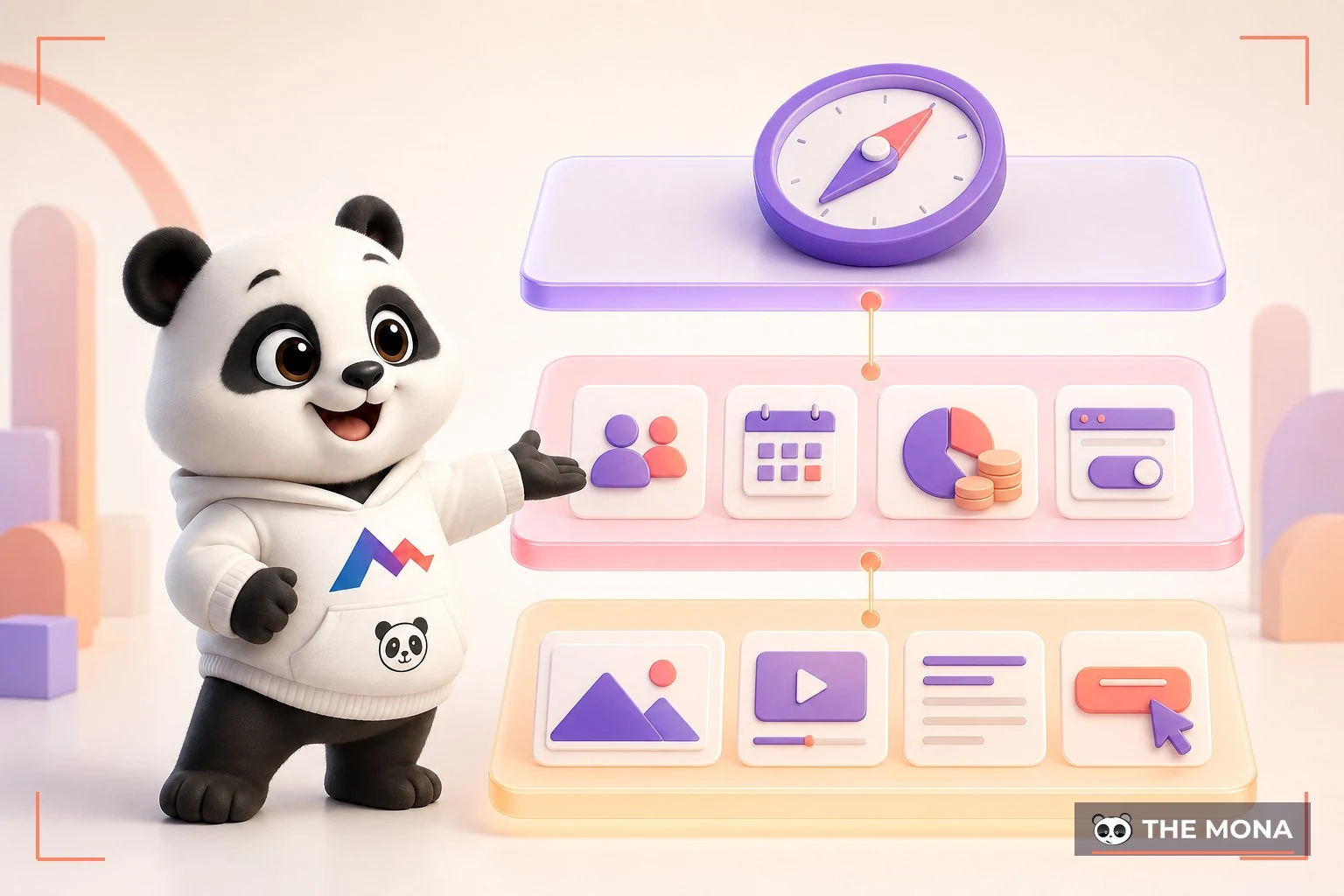
We make every account follow a naming rule from day one. It costs an extra 30 seconds each time you create something: the campaign name states the objective and the month, the ad set name states the audience, and the ad name states the content idea. It sounds like paperwork, but three months later you will be looking at a report of 40 to 50 rows, each representing 2 to 5 million VND already spent, and a clear name is what keeps you from flying blind. Naming is building the report in advance.
The standard flow for a sales objective, checked by us on the current interface on 02/08/2026:


Review usually finishes within 24 hours. While you wait, don't keep editing back and forth: every big change you save sends the ad back to the start of the review queue, sometimes costing another whole day. Once it's published, leave it alone.
Meta's system runs on machine learning. Each new ad set needs about 50 conversions within 7 days to get out of the learning phase and run steadily. That number leads to a few practical rules:

You can set the budget at the campaign level and let the system split it across ad sets, or set it on each ad set to control it yourself. We usually let the system split it when the ad sets target the same kind of audience, and split by hand when we want to push money into one strategic audience. There is no absolute right answer, only the answer you can measure after 7 days of running. Measure first, argue later.
This is the driest part of the article and the most valuable. All three layers of tracking have to be switched on:
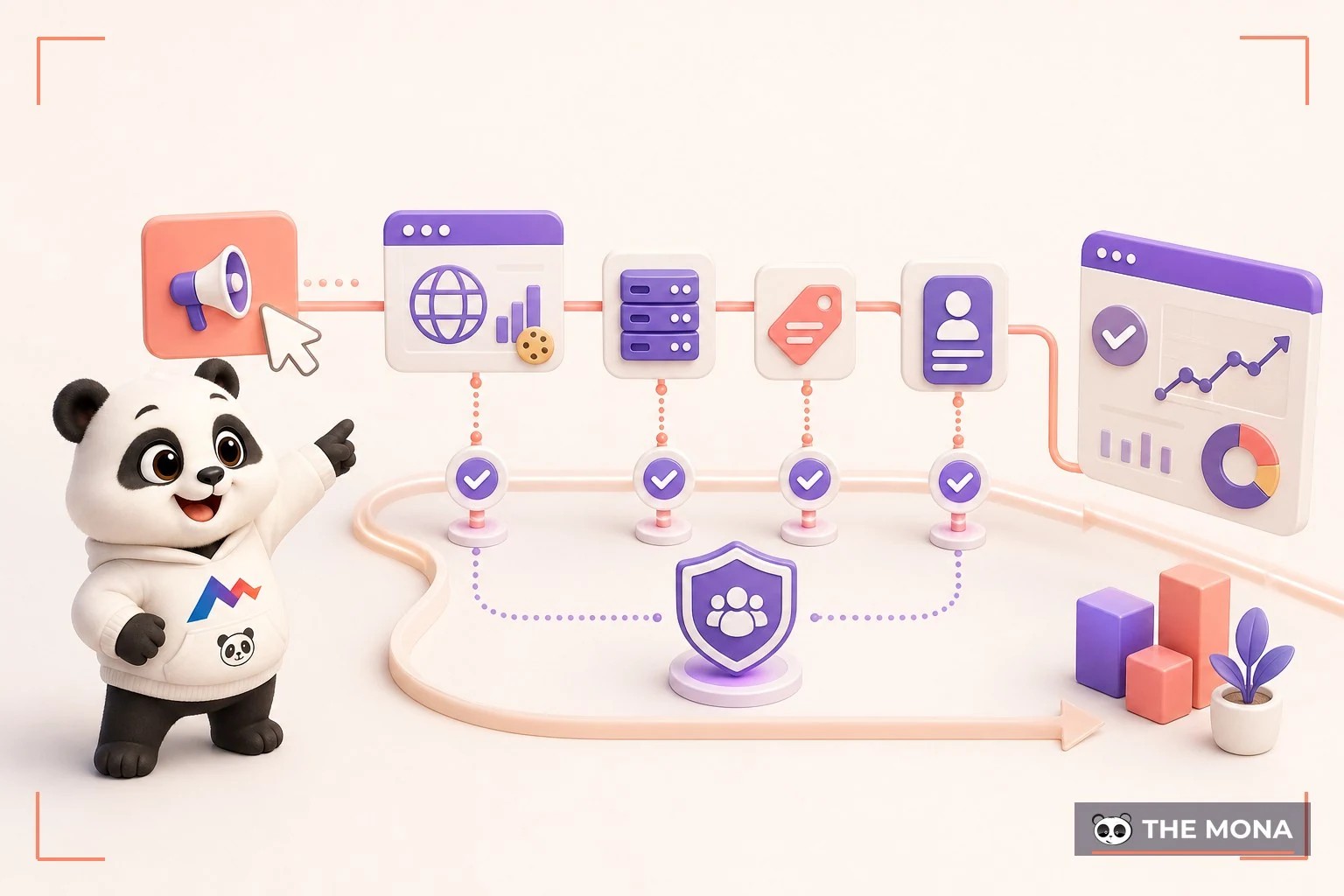
Layer one is the Pixel on your website. Install it once and it works for years, recording events such as page views, add to cart and purchase. Since iOS tightened privacy, also add the server-side Conversions API so fewer numbers go missing. Layer two is the conversion event, which must be the final goal: optimize for 'purchase' and not for 'page view', and then wonder why plenty of people view but nobody buys. The system finds exactly the kind of person you tell it to look for. Layer three is UTM tags on every link, so you can cross-check against your website's own analytics. Meta's numbers and the real numbers always differ by some margin, and knowing your own margin makes you read the numbers far more reliably than the average advertiser. A gap of 10 to 20% is normal. Three layers of tracking. Skip any one and that part is blind.
Opening the reports tab and seeing 100 columns of numbers is overwhelming, but your daily decisions only need 5 columns. Pin them as your own column set and reuse it every day:

Read them in sequence to reach a diagnosis. A high CPM is about the audience and the industry. A low CTR is about the ad. Lots of clicks with no purchases is about the landing page. A high frequency means you've run out of new people to reach. Each number points to exactly one thing to fix. Going through all 5 columns takes about 10 minutes, and the standard rhythm is twice a week. Fix the right thing, and you waste less money on random tests.
The most common mistake for newcomers with money to spend: half a day passes with no orders, so they jump in and edit, but every big edit sends the ad set back to the start of learning, and the data it just collected is thrown away. The craft rule our team applies for clients running Facebook ads:

A simple weekly loop: check the numbers twice a week, on Monday and Thursday, 30 minutes each time. Change exactly one variable if you need to, and write down what you changed so next week you know why the numbers moved. Good ad management looks a lot like slow and steady work, and two 30-minute sessions a week is the right pace. The impatient make Meta rich.
Technically, a few tens of thousands of VND a day will run. But to get numbers you can decide on, 200,000 to 500,000 VND a day for the first 2 weeks is a realistic starting level for a sales objective.
The most common causes: it hasn't been approved, the budget is too low for the audience, a manual bid is set too low, or the account has hit a spending limit. Check the billing tab and the delivery status first, because most problems are there, and an unpaid ad balance can also stall delivery. Easy problem, cheap fix.
Go to Account Quality and file an appeal, following the steps in disabled accounts. Prevention is better: pay with a payment method in your own name, don't run ads in banned industries, and don't borrow accounts of unknown origin. Accounts last when you look after them.
With a budget under 10 to 15 million VND a month, teaching yourself and running it by following this article is reasonable, since the cost of trial and error is still lower than an agency fee. With a bigger budget, or when ad spend is the lifeblood of your revenue, hiring a team with a process for reading the numbers every day costs less than the money you would burn by figuring it out alone.
Ads Manager is the cockpit, and whether you fly high or crash comes down to process: a base of 4 preparation items, a 3-level structure with proper names, a budget big enough to feed the learning system, 5 columns of numbers read twice a week, and one variable changed at a time. All of this comes down to discipline, and discipline can be learned. It is not a talent.
And if you want a team to take on that discipline for you, the digital marketing team at MONA takes on everything from building the tracking foundation and account structure to running campaigns and reporting in real profit-and-loss numbers. We have done this for clients since 2016, as part of MONA's 14,000+ projects. Call 1900 636 648, and let us look at your current ad account for 15 minutes. Using the framework in this article, we will point out 3 places where it is leaking money: whether the learning system gets enough to eat, whether your tracking has enough eyes, and whether your last edit broke the data. After that you are welcome to fix them yourself. Plug the leaks first.

CEO & Founder · The MONA
Founder of The MONA, who built a services company of 200+ staff with 14,000+ projects delivered. Khánh Hùng shares how he thinks about building systems that run themselves, automating a business, and the real lessons from delivering projects at MONA.
 1,6K
1,6K




Professional website
design services
Own a website with a beautiful, 100% exclusive design and a lifetime warranty, with the ability
to expand features flexibly as your business grows, starting today!








 MONA will never sell your information or send you spam
MONA will never sell your information or send you spam
MONA will never sell your information or send you spam


 MONA will never sell your information or send you spam