
 MONA OS 2.0
 Hợp tác với MONA


 Tự động hoá doanh nghiệp
 Cẩm nang SEO
 Digital Marketing
 Kinh nghiệm thiết kế website
 Hạ Tầng Server
 Giáo dục


 VI
 EN













Message us on
Zalo Official


 ProductsNew

 ProductsProducts
 Mới ra mắtKHA AI 2027App tự edit video, tự đăng mọi mạng xã hội, 2 phút mỗi ngày










 Thiết kế websiteVừa đẹp vừa thuyết phục được khách.
Dịch vụ SEOKéo về khách đang tìm đúng thứ anh chị bán.
 Tư vấn digital marketingKéo khách từ nhiều kênh, đo bằng số thật.
Quay video doanh nghiệpVideo giới thiệu công ty, nhà xưởng, đội ngũ.
 MớiDựng video AIDựng phim câu chuyện công ty bằng AI.
 Custom software developmentCRM, ERP and HRM built for your business.
 Viết AI Agent theo yêu cầuĐặt riêng một trợ lý AI cho đúng việc của mình.
 Tư vấn chuyển đổi AIĐưa AI vào vận hành của cả công ty.
NewMONA LMSManagement for centers and schools.
MONA SkillHubInternal training for company staff.
 NHTQ systemEnd-to-end China–Vietnam shipping operations.
MONA JMSManagement for gold, diamond and pawn shops.
 MONA E-LearningA website with every feature you need to sell courses.
 How to sell online courses (course)More than 30 free lessons on selling courses on autopilot.
 MONA Cloudmonacloud.vnServers to get your apps and websites running.
 MONA Basemonabase.vnPostgres database, sign-in and file storage.
 MONA Mailmonamail.vnSend OTP, order and invoice emails from your software.
 MONA Paymonapay.vnAccept bank transfers via VietQR and notify your software when the money arrives.
 MONA eInvoiceComing soonIssue e-invoices that meet tax standards.
Gấu CườiTrả lời khách 24/7 trên web, Fanpage, Zalo và thu lead cho sale.
 Gấu TeleSalesGọi điện tư vấn, chăm khách như tổng đài viên thật.
Dê CườiTư vấn và chốt đơn cho shop ngay trong khung chat.
Gấu WebmasterNhắn nhóm Zalo là website được sửa xong.
 Gấu Pháp ChếSoạn hợp đồng, rà điều khoản trong vài phút.
 Gấu Báo GiáLên báo giá đúng mẫu và gửi khách ngay.
 AI chăm sóc khách hàngTheo dõi và giữ chân khách hàng cũ.
 Gấu Tuyển DụngLọc hồ sơ, hẹn lịch, phỏng vấn ứng viên.
 Mới ra mắt
KHA AI 2027
Xây kênh chuyên gia 2 phút mỗi ngày
Quay bằng điện thoại, AI tự edit video, tự đăng lên 16 nền tảng và tự trả lời bình luận, tin nhắn.
874.631lượt xem trên kênh CEO MONA sau 35 ngày
 Anh Khánh HùngCEO MONA đang dùng mỗi ngày
Xem app làm được gì
 AI
Gấu Cười MONA ĐANG TỰ XÀITrả lời khách 24/7 trên website, Zalo OA, Messenger và thu lead về cho sale.
Dê CườiChốt đơn bán lẻ và sàn: Shopee, TikTok Shop, web. Chăm cả khách sỉ, đại lý.
Gấu WebmasterCập nhật nội dung, tối ưu SEO website mỗi ngày.
Gấu TeleSalesGọi điện tư vấn, chăm khách như tổng đài viên thật.
Gấu Tuyển DụngLọc hồ sơ, hẹn lịch, phỏng vấn ứng viên tự động.
AI chăm sóc khách hàngGiữ khách cũ, cứu lead đã rớt cho phòng kinh doanh.
Gấu Pháp ChếSoạn hợp đồng, rà điều khoản trong vài phút.
Gấu Báo GiáLên báo giá đúng mẫu, gửi khách ngay khi có yêu cầu.
 Chuyển đổi AI toàn phầnGiải pháp tổng cho doanh nghiệp, 3 lớp triển khai.
 Viết AI Agent theo yêu cầuĐặt riêng một con AI gánh đúng nghiệp vụ của bạn.
 Custom softwareCRM, ERP and HRM with built-in AI automation.
 SEO & AEO thời đại AIĐược Google lẫn AI trích dẫn, không chỉ xếp hạng.
 Kiến thức AI cho doanh nghiệpBài phân tích, hướng dẫn ứng dụng AI vào vận hành.
 Free AI courses
 AI tools at work
App mới · KHA AI 2027
Xây kênh 2 phút mỗi ngày
AI tự edit video, tự đăng mọi mạng xã hội
Free consultation, 8am–10pm every day

01 August, 2026
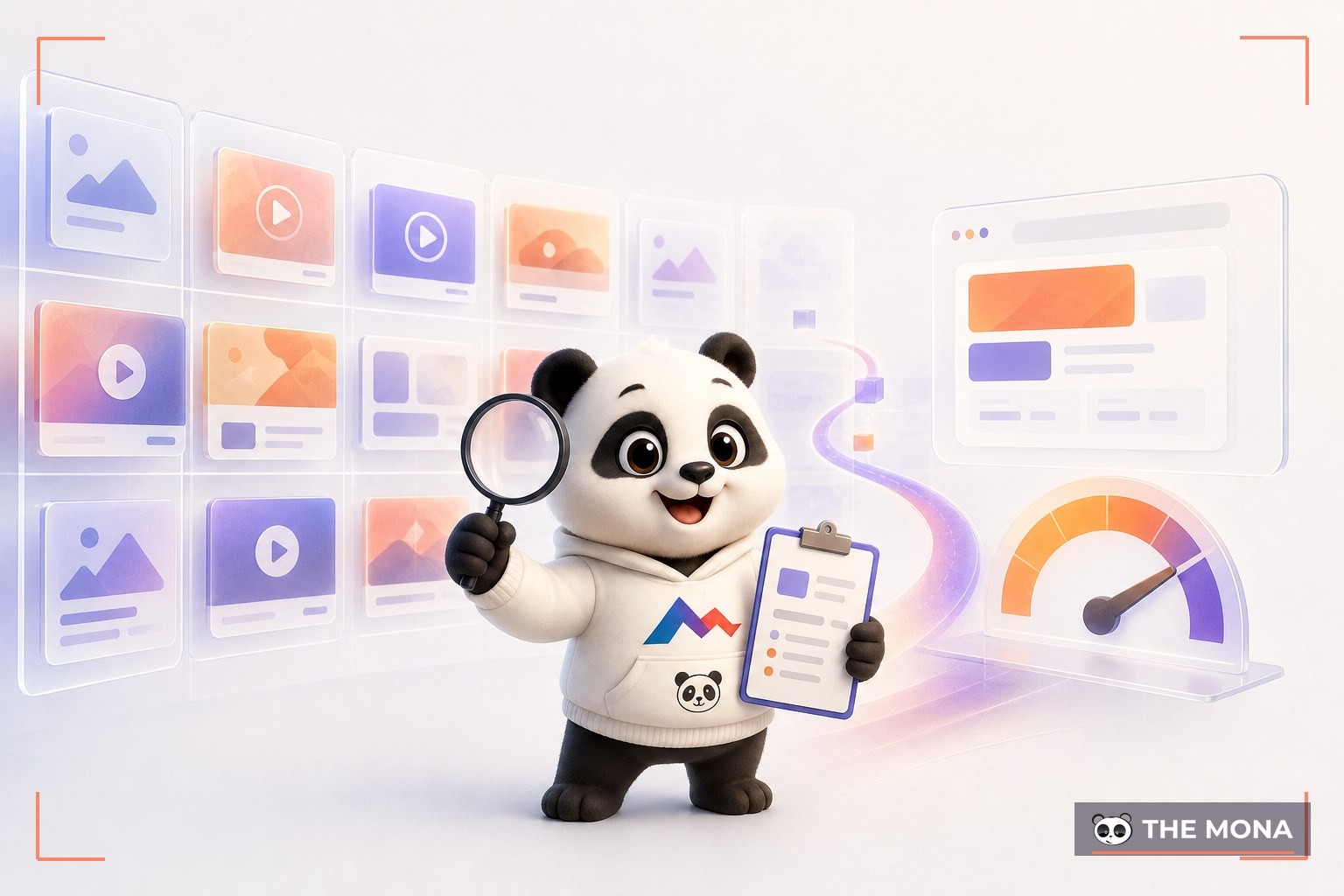
Your competitors are showing every ad they run, right now, for free, and legally. That public place is called the ad library. Go to facebook.com/ads/library, type in the page name of any brand, and in under 30 seconds you can see it all: how many ads they are running, what they say, which landing page they send people to, and since what date. Our ads team opens this tool every week before writing new ads, and this article covers everything you need to use it for real results: where to go, how to filter, what to read, and how to turn what you see into your own test ads instead of copying someone else's. About 12 minutes to read. You can follow along right away.
The ad library, officially called Meta Ads Library, is the public archive of every ad running on Facebook, Instagram, and other Meta platforms. Meta opened it in 2019, over 6 years ago, after scandals over ad transparency. Anyone can view it with no ad account and no login. One click and you are in.

What makes it valuable for business owners: ads are where competitors bet real money. A normal post can say anything, but an ad that has run nonstop for 2 to 3 months is almost certainly making a profit, because nobody burns budget on a losing ad for that long. Reading the ad library means reading the whole market's public betting table. It is free, and few people bother to read it.
Know the data limits before drawing conclusions, so you do not over-interpret. What it shows can be checked in 1 minute: every active ad of a page, the text, images, and videos, the start date, the platforms where it appears, and the number of versions of an ad. Click any ad for details. Ads about politics and social issues, meanwhile, are also stored publicly for up to 7 years along with spending ranges.

The hidden part matters more: for regular commercial ads you cannot see the budget, the impressions, who is being targeted, or the orders the other side gets. In other words, the library tells you what competitors say, not how much profit they make. Anyone selling a course on “spying on competitor budgets through the ad library” is selling something this tool does not have. Do not buy it.
The standard flow we checked live on 02/08/2026:

A tip for product categories: besides searching by page name, switch to searching by product keyword. Type the name of what you sell in the search box and the library returns every running ad containing that word within seconds, and even reveals competitors you have never heard of. The scariest competitor is the hidden one. Now you can see them all.
The results page has a filter row right under the search box. You can set it all up in 1 minute. These 4 are the most useful:

An ad marked “multiple versions” means the competitor is testing the same content with a few different visuals. Click in to see all versions and notice which one they keep running longest, sometimes 4 to 5 months in a row. That is the result of their test, and you see it without spending a cent. They paid the tuition for you.
Public data makes it easy to jump to the wrong conclusion. Three rules for reading it soberly:

One, only ads that run a long time are worth learning from. An ad posted 3 days ago says nothing, and its owner may be about to turn it off. Two, do not judge by your own taste: an ad that looks plain but has lived 6 months is an ad producing orders. The market votes with its wallet, not its eyes. Three, always click the ad's button to see the landing page, because the ad is only the first half of the story, and the half that decides the sale is the landing page: how the price is laid out, what promise is made, how long the form is. A good ad leading to a bad page means paying for clicks and then letting the customer walk away. The second half is where the money is made.
Our team reads each competitor ad in exactly 5 layers and logs it in a table. Each ad takes about 3 minutes, and a dozen ads take less than 1 hour:

Reading 10 ads with this framework takes about 30 minutes, and then you can see the common formula of your industry: what the whole market uses to hook customers, what it promises, and how it proves it. Once you see the common formula, you see its gaps. The gaps are where you come in.
Doing research without producing test ads is wasted effort, and copying a competitor's ad word for word is both weaker and a copyright risk for the text and images. The right path is in the middle: borrow the structure, replace the content.

How we do it for clients Facebook ads: gather the 10 to 15 longest-running ads from 3 competitors, put them in the 5-layer table above, mark the formula that repeats most, then write 3 to 5 ads of your own with the same structure but with your own proof and offer. Run a small-budget test for 5 to 7 days, keep the winners, turn off the losers, and check the library again for the next round. Run this loop once a month and your ads never fall behind the market. Much easier than guessing.
| Kho | What you can see | Good for spying on |
|---|---|---|
| Meta Ads Library | Every active ad of every page, the most detailed of the 3 libraries | Retail, services, and education businesses that live on Facebook |
| Google Ads Transparency | Ads by verified advertisers | Big brands running search and YouTube ads |
| TikTok Creative Center | High-performing ads by industry, with rankings | Finding winning video, music, and hook trends |

The three libraries complement each other and do not replace one another. If your customers buy across several channels, checking all 3 once a month takes only about 2 hours. If you sell through short video, add a pass through the TikTok library before you shoot, so you do not finish filming and then learn the market is already bored of that opening. Cheap enough.

None of these mistakes cost money to fix. They only take the discipline of checking once a month, about 90 minutes per round, and a decent notes table you can reuse for years. The tool is free, so winning or losing comes down entirely to how you use it. Discipline is the entry fee.
The ad library is the research room, and the real fight happens in Ads Manager, where you build campaigns, set budgets, and read your own numbers. Signs that you have researched enough and should start running: you have a 5-layer table for at least 10 ads that have lived over 30 days, you have seen the common formula of your industry, and you have written 3 test versions carrying your own proof. Researching beyond that point is decorated procrastination. Run the ads and the numbers come in. A test budget for 7 days is a good place to start.

To write ads that Facebook will not flag, also read Facebook’s advertising policies and how to write ad content. Those two articles together with this one make a complete starter set for anyone running ads themselves. You now have the toolkit.
Completely free, no login, no limit on views, and you can use it within 30 seconds. Meta opened it out of a transparency obligation, not as a product for sale.
No, not for regular commercial ads. Spending ranges only appear for political and social issue ads, which Meta's policy stores publicly for 7 years.
Because that page is not running any ads right now, or you filtered the wrong country. Switch the country filter to All and search again, which takes 10 seconds, since some Vietnamese brands run ads targeted at overseas markets.
No. The library is one-way public data, with no notifications and no trace of who viewed it.
It can replace the initial research and helps you talk to an agency with data instead of gut feeling. Building campaigns, optimizing budgets, and recovering an account that gets swept are still a separate trade. You can learn them yourself, but the market charges tuition in real ad spend, usually a few million VND for the first round of tests.
The ad library is a rare tool that is free and also shows the most expensive thing there is: what the market is willing to pay for. A short process to start tonight: open facebook.com/ads/library, check 3 competitors, filter ads that have lived over 30 days, fill in the 5-layer table for 10 ads, and write 3 test versions of your own. The first round takes about 2 hours. You can do it tonight.
And if you want to go faster than that self-study loop, the digital marketing team at MONA does exactly the process in this article every week for clients: checking the library, building the analysis table, writing ads, running tests, and reading the numbers, along with a set of metrics that tracks every VND. Call 1900 636 648, tell us your industry and the 3 competitors you worry about most, and at the first consultation we will bring an ad analysis table for exactly those 3 as a welcome gift. After you see the table, working together or running ads yourself are both fine, and the table stays yours. Think of it as us introducing ourselves through our own trade.

CEO & Founder · The MONA
Founder of The MONA, who built a services company of 60+ staff with 14,000+ projects delivered. Khánh Hùng shares how he thinks about building systems that run themselves, automating a business, and the real lessons from delivering projects at MONA.
 618




Professional website
design services
Own a website with a beautiful, 100% exclusive design and a lifetime warranty, with the ability
to expand features flexibly as your business grows, starting today!






 MONA will never sell your information or send you spam


 MONA will never sell your information or send you spam
