
 MONA OS 2.0
 Partner with MONA


 Tự động hoá doanh nghiệp
 Cẩm nang SEO
 Digital Marketing
 Kinh nghiệm thiết kế website
 Hạ Tầng Server
 Giáo dục


 VI
 EN









Message us on
Zalo Official


 ProductsNew

 ProductsProducts
 Mới ra mắtKHA AI 2027App tự edit video, tự đăng mọi mạng xã hội, 2 phút mỗi ngày










 Website designLooks good and wins customers over.
SEO servicesBrings in customers searching for exactly what you sell.
 Tư vấn digital marketingKéo khách từ nhiều kênh, đo bằng số thật.
Corporate video productionVideos introducing your company, factory and team.
 NewAI video productionCompany story films made with AI.
 Custom software developmentCRM, ERP and HRM built for your business.
 Viết AI Agent theo yêu cầuĐặt riêng một trợ lý AI cho đúng việc của mình.
 Tư vấn chuyển đổi AIĐưa AI vào vận hành của cả công ty.
NewMONA LMSManagement for centers and schools.
MONA SkillHubInternal training for company staff.
 NHTQ systemEnd-to-end China–Vietnam shipping operations.
MONA JMSManagement for gold, diamond and pawn shops.
 MONA E-LearningA website with every feature you need to sell courses.
 How to sell online courses (course)More than 30 free lessons on selling courses on autopilot.
 MONA Cloudmonacloud.vnServers to get your apps and websites running.
 MONA Basemonabase.vnPostgres database, sign-in and file storage.
 MONA Mailmonamail.vnSend OTP, order and invoice emails from your software.
 MONA Paymonapay.vnAccept bank transfers via VietQR and notify your software when the money arrives.
 MONA eInvoiceComing soonIssue e-invoices that meet tax standards.
Gấu CườiTrả lời khách 24/7 trên web, Fanpage, Zalo và thu lead cho sale.
 Gấu TeleSalesGọi điện tư vấn, chăm khách như tổng đài viên thật.
Dê CườiTư vấn và chốt đơn cho shop ngay trong khung chat.
Gấu WebmasterNhắn nhóm Zalo là website được sửa xong.
 Gấu Pháp ChếSoạn hợp đồng, rà điều khoản trong vài phút.
 Gấu Báo GiáLên báo giá đúng mẫu và gửi khách ngay.
 AI chăm sóc khách hàngTheo dõi và giữ chân khách hàng cũ.
 Gấu Tuyển DụngLọc hồ sơ, hẹn lịch, phỏng vấn ứng viên.
 Mới ra mắt
KHA AI 2027
Xây kênh chuyên gia 2 phút mỗi ngày
Quay bằng điện thoại, AI tự edit video, tự đăng lên 16 nền tảng và tự trả lời bình luận, tin nhắn.
853.713lượt xem trên kênh CEO MONA sau 29 ngày
 Anh Khánh HùngCEO MONA đang dùng mỗi ngày
Xem app làm được gì
 AI
Gấu Cười MONA ĐANG TỰ XÀITrả lời khách 24/7 trên website, Zalo OA, Messenger và thu lead về cho sale.
Dê CườiChốt đơn bán lẻ và sàn: Shopee, TikTok Shop, web. Chăm cả khách sỉ, đại lý.
Gấu WebmasterCập nhật nội dung, tối ưu SEO website mỗi ngày.
Gấu TeleSalesGọi điện tư vấn, chăm khách như tổng đài viên thật.
Gấu Tuyển DụngLọc hồ sơ, hẹn lịch, phỏng vấn ứng viên tự động.
AI chăm sóc khách hàngGiữ khách cũ, cứu lead đã rớt cho phòng kinh doanh.
Gấu Pháp ChếSoạn hợp đồng, rà điều khoản trong vài phút.
Gấu Báo GiáLên báo giá đúng mẫu, gửi khách ngay khi có yêu cầu.
 Chuyển đổi AI toàn phầnGiải pháp tổng cho doanh nghiệp, 3 lớp triển khai.
 Viết AI Agent theo yêu cầuĐặt riêng một con AI gánh đúng nghiệp vụ của bạn.
 Custom softwareCRM, ERP and HRM with built-in AI automation.
 SEO & AEO thời đại AIĐược Google lẫn AI trích dẫn, không chỉ xếp hạng.
 Kiến thức AI cho doanh nghiệpBài phân tích, hướng dẫn ứng dụng AI vào vận hành.
 Free AI courses
 AI tools at work
App mới · KHA AI 2027
Xây kênh 2 phút mỗi ngày
AI tự edit video, tự đăng mọi mạng xã hội
Free consultation, 8am–10pm every day

18 March, 2023
Facebook Ads is an effective online marketing channel chosen by many businesses and individuals. To help you get familiar with Facebook advertising terms, MONA Media , we have gathered the details of 30 Facebook Ads terms. If you want to be more professional in online marketing, do not skip these Facebook terms! Let's go through them in detail with MONA!
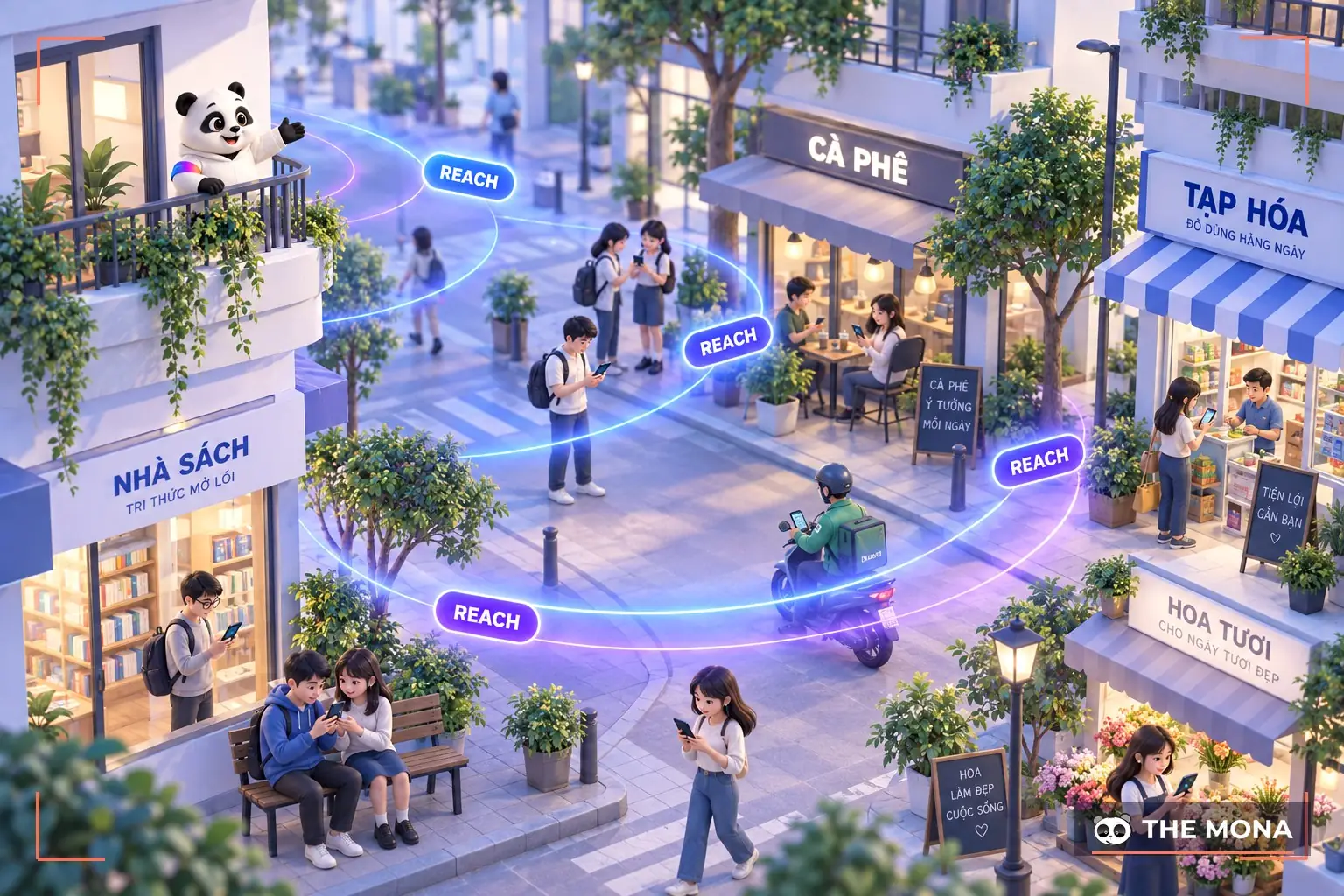
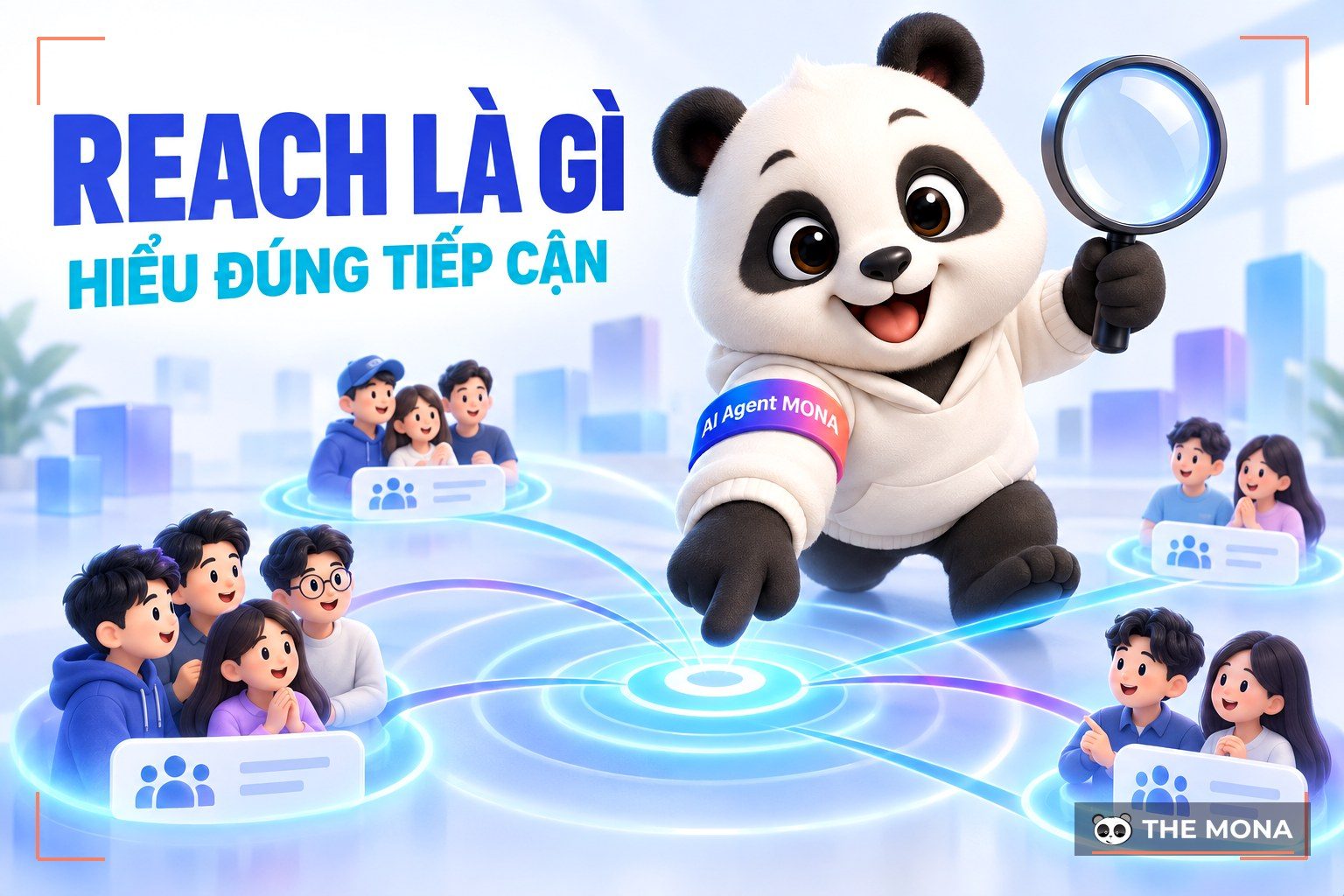
Reach translated into Vietnamese means “Reach”. This term measures how many users your post has reached. Whatever source of information they came from, you can track the numbers through reach.
Under every post on your Fanpage, there are interaction statistics shown through Reach. If you want more detail, click this feature. While posting, you can also easily compare earlier and later posts through Reach.
Potential Reach (potential reach) is an estimate of how many customers can see your ad, based on the factors you set. It covers two factors: your budget and the target audience of your ad campaign.
This is the Facebook term for where your ad appears on the platform, including: mobile Newsfeed, desktop Newsfeed and the right column on desktop Newsfeed.
News feed is one of the most common terms on Facebook. This is the Facebook home page, where users see the latest posts from the fanpages they follow, their friends and family, and also Facebook ads.
Page like is a Facebook term for the number of “like” gained while your business runs Facebook Ads. These likes can come from the Like button on the ad post itself, or from people liking to follow the fanpage. This figure is also a measure of how well your Facebook ads work. The higher it is, the more it helps your reach and interaction on your Facebook fanpage.
The Facebook term “Page Engagement” usually measures user interaction on your fanpage. It includes every kind of action, such as: Like, Comment, Share, link clicks, video views and other interactions.

Like Page Engagement, Post Engagement adds up all interactions such as: Like, Comment, Share, link clicks, video views and other interactions, but on one specific ad post. The higher this figure, the better the ad reaches potential customers.
Report is a report of the activity on your page, with figures such as interactions, reach, new fans, click-through rate, bid cost per interaction and other metrics. These reports are usually delivered during and after a Facebook ads campaign.
Result is the Facebook term for the outcome of ad campaigns, based on specific user actions. It is usually measured against the objective you set for the campaign, using figures such as page likes and post engagement. This helps individuals and businesses judge how the campaign performed and adjust their next Facebook ad plans.
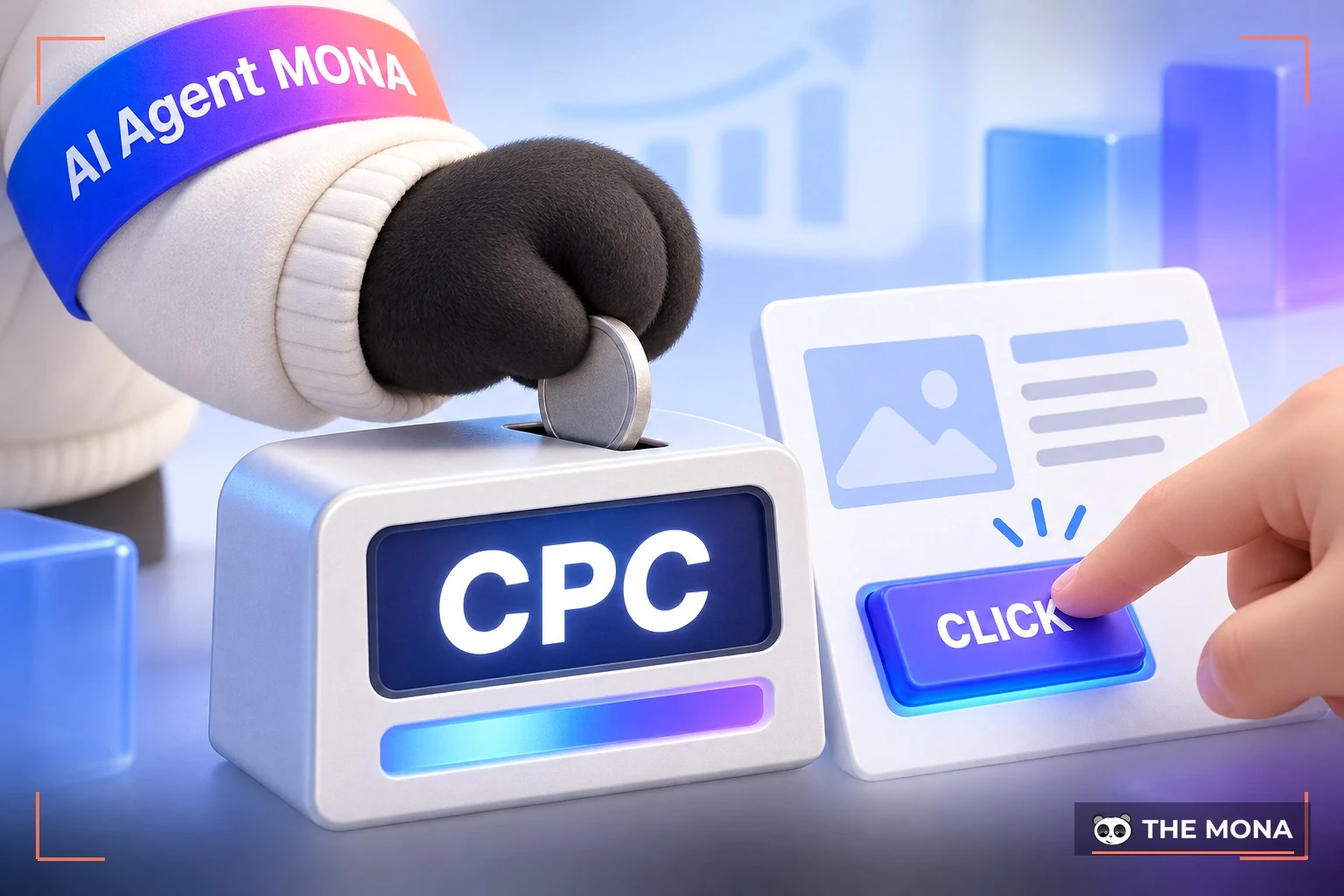
CPC (Cost Per Click) is a paid advertising model based on each user interaction with your ad. When a user clicks, likes, comments or shares your ad post, Facebook starts charging for each of these actions.
You will also often see the term Average CPC, which means the average fee an advertiser pays when users interact with an ad post on Facebook.
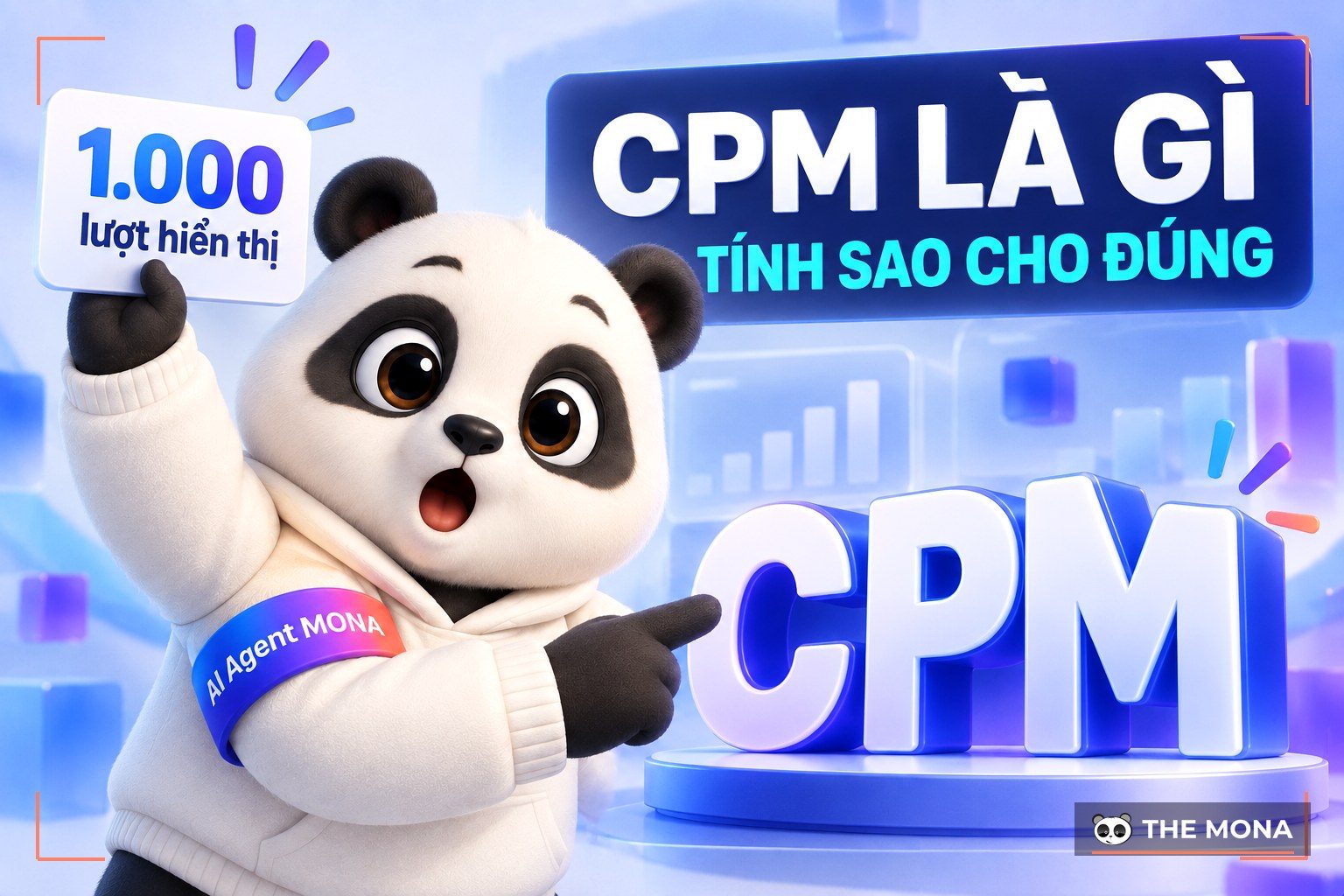
CPM is how often your ad is shown. If you want your ad to appear up to 1000 impressions, CPM is highly competitive, and you will need a larger budget when competitors offer products and services like yours.
Like CPC, Facebook also has the term Average CPM, which means the average cost per 1000 ad impressions on Facebook.
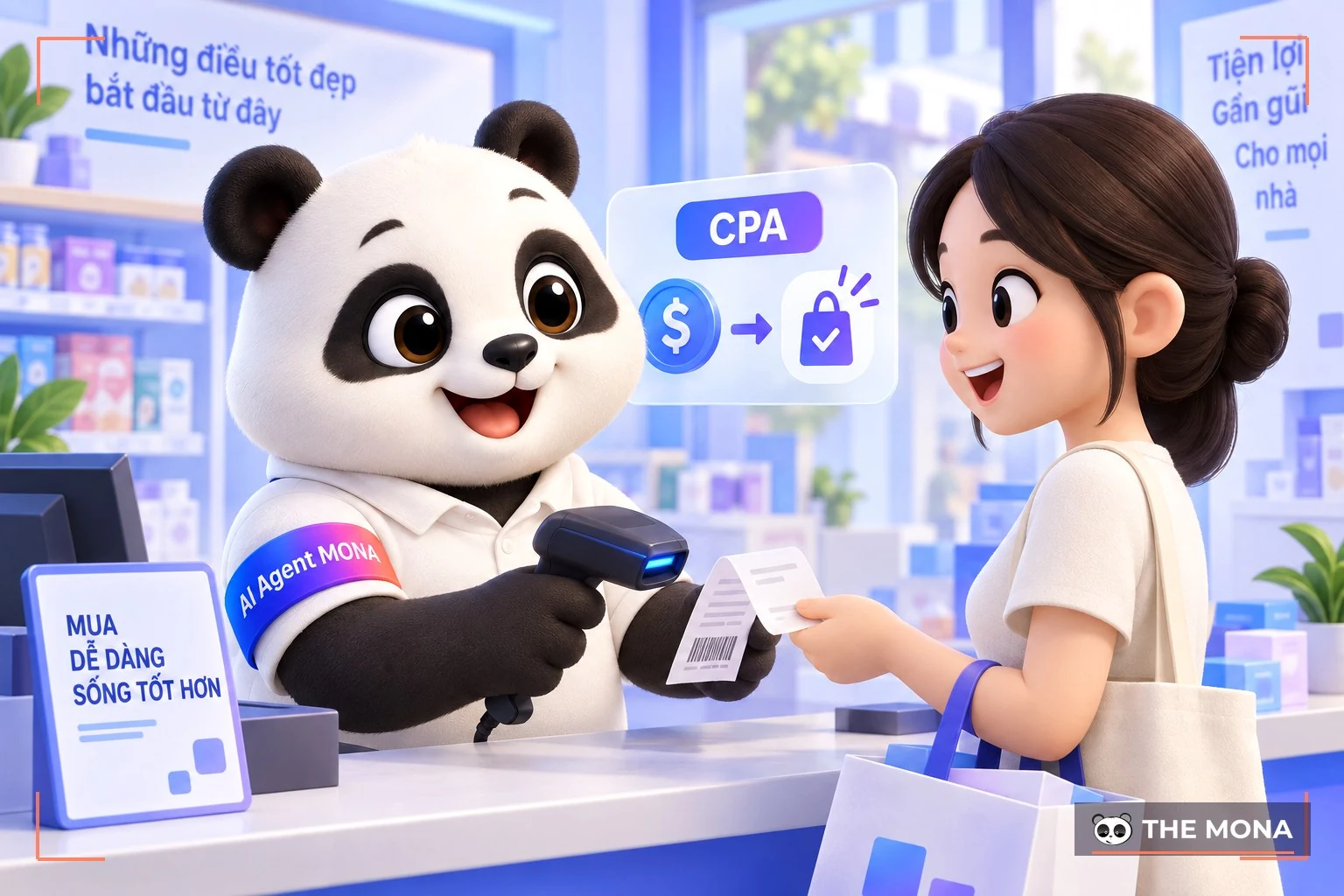
CPA (Cost Per Action) is the Facebook term for charging Facebook ads by conversion. The advertiser only pays for conversion actions from users, such as: payment, placing an order, leaving contact details,…
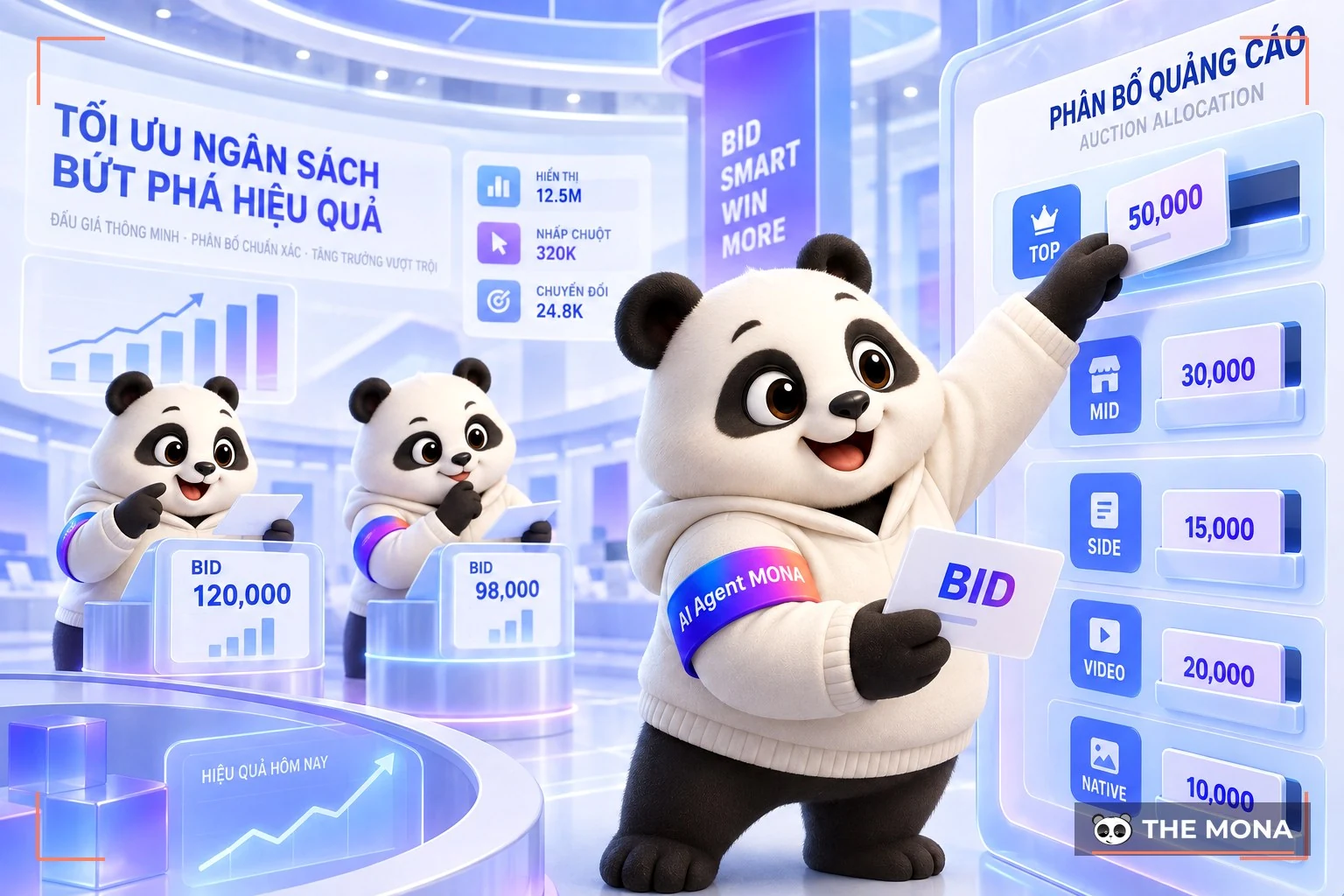
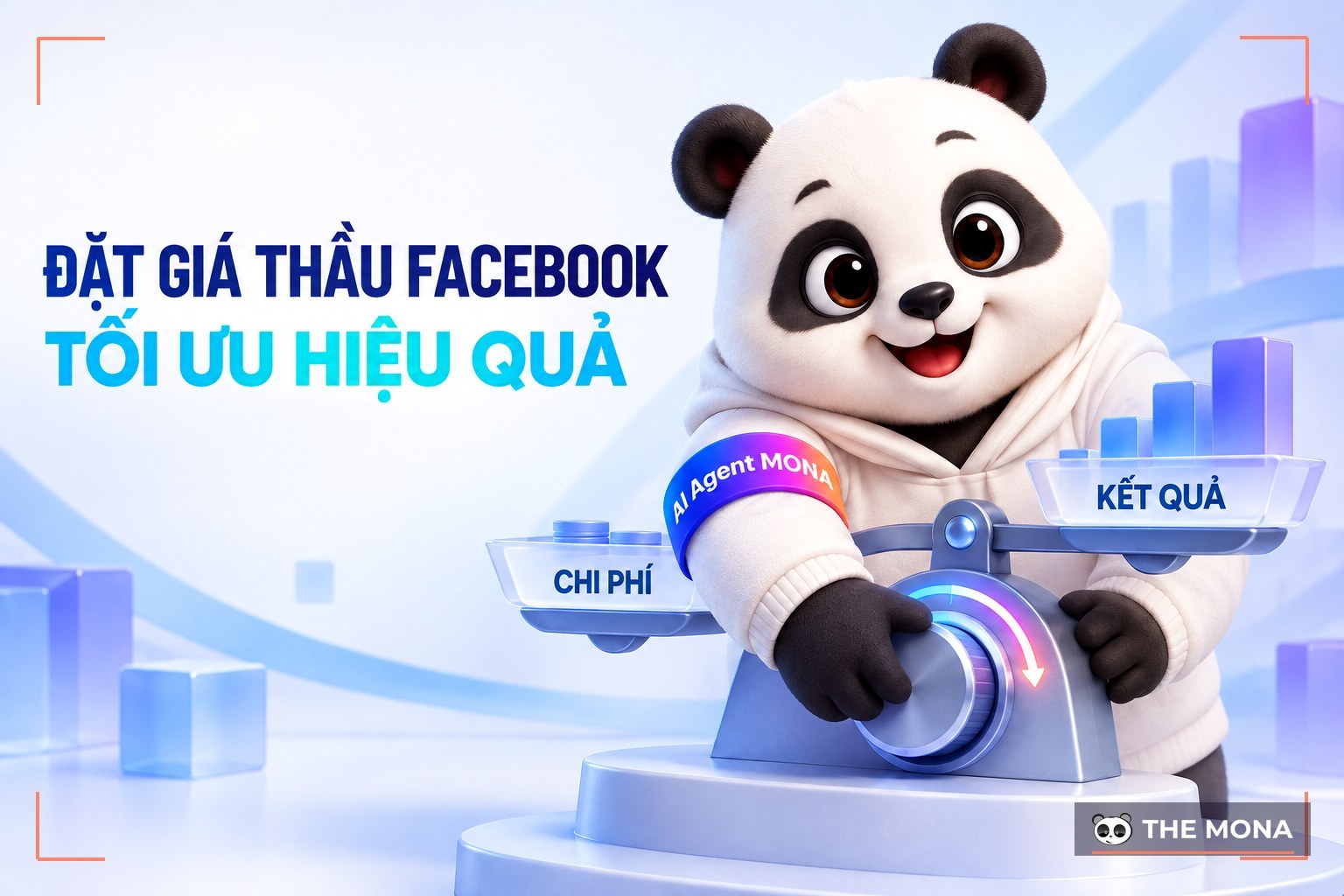
Facebook ad bid price is the highest price an advertiser is willing to pay for 1000 ad impressions, one interaction or one conversion generated by the ad. You can set a manual bid to fix the price for the bid, or choose an automatic bid to raise how often your ad is shown.
Whether personal Facebook pages in the Facebook community see your ad depends entirely on the bid you set.
Unlike Bid, Price is the actual amount you pay Facebook per 1000 impressions, or per interaction and conversion of the ad. In practice, the price is always lower than your actual bid, because Facebook also works to let advertisers run campaigns at the best possible rate.
|
Do you want a better way to maximize results and cut your Ads costs? MONA Media is here to help with a professional ad management package on the most efficient budget. Stop “burning your own money” on ad campaigns that bring no orders. Let MONA Media bring your business an effective solution with Facebook advertising services trust, dedication and professionalism. 
With Facebook Ads at MONA, you get:
And many more offers. Please CONTACT US via hotline 1900 636 648 for quick, detailed advice on this Facebook Ads service! |
Besides the basic Facebook advertising terms above, you will also come across some other specialist Facebook Ads terms. For example:
When competitors advertise the same products and services, you have to take part in auctions. The highest bidder gets more ad exposure for their products and services. This means that to win the auction, you have to pay the most.
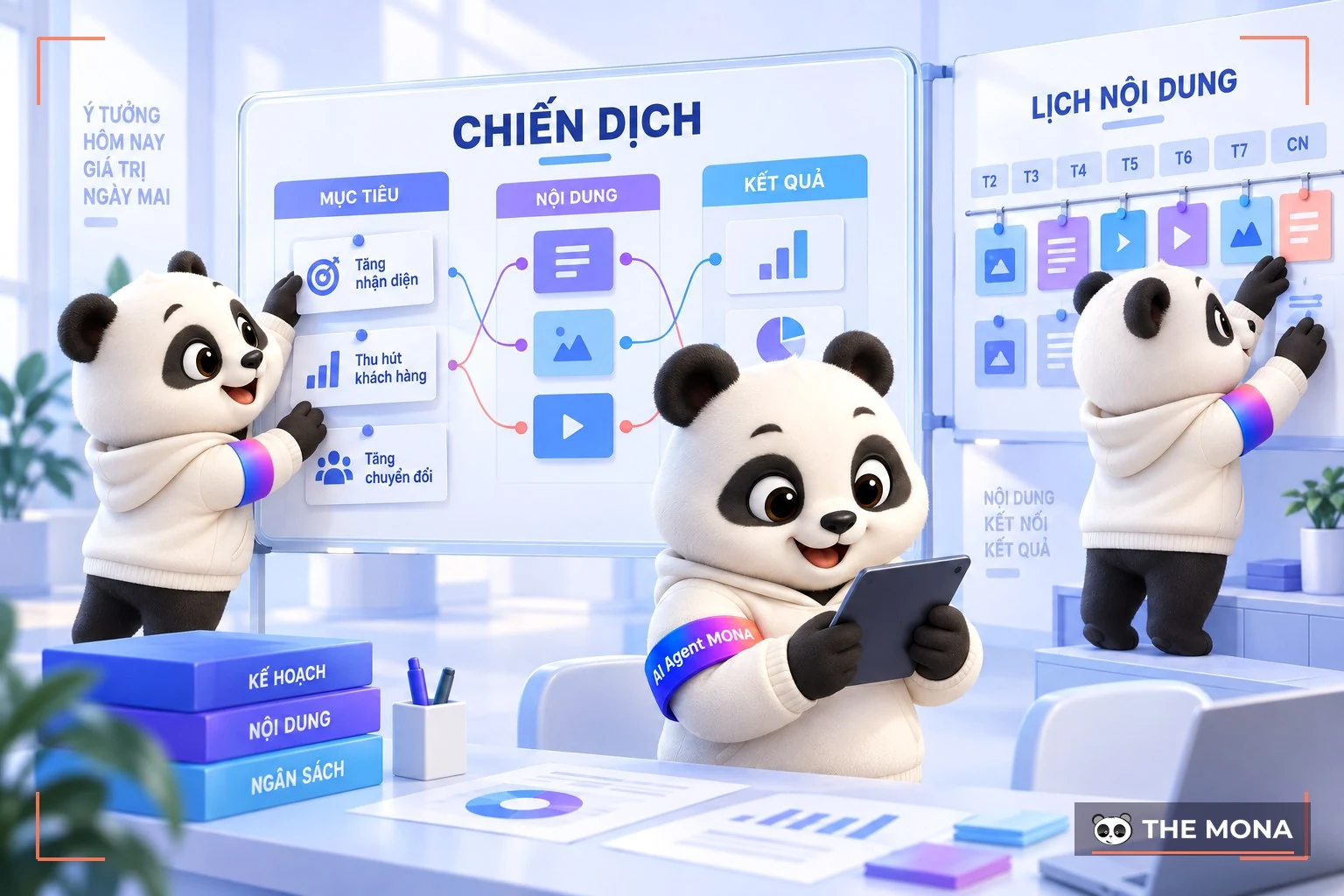
There are several levels of advertising. You can choose an ad group containing several ads, or a single ad.
Before running ad campaigns, you need to decide on: The ad objective, the reach and the way of reaching people. In your ad campaign you will have many options, such as:
An ad set is how you choose the audiences or behaviors to advertise to. You target traits such as location, Facebook habits, gender or age. Choosing the ad set this way makes sure you reach the right target customers and advertise to the right audience.
You can choose one or more ad formats within an ad set. From these formats, you pick the Facebook ad format that suits you best.
The basic Facebook Ads terms that we have updated have been useful to you. Contact us for more advice on Facebook Ads, SEO website and professional Google advertising!
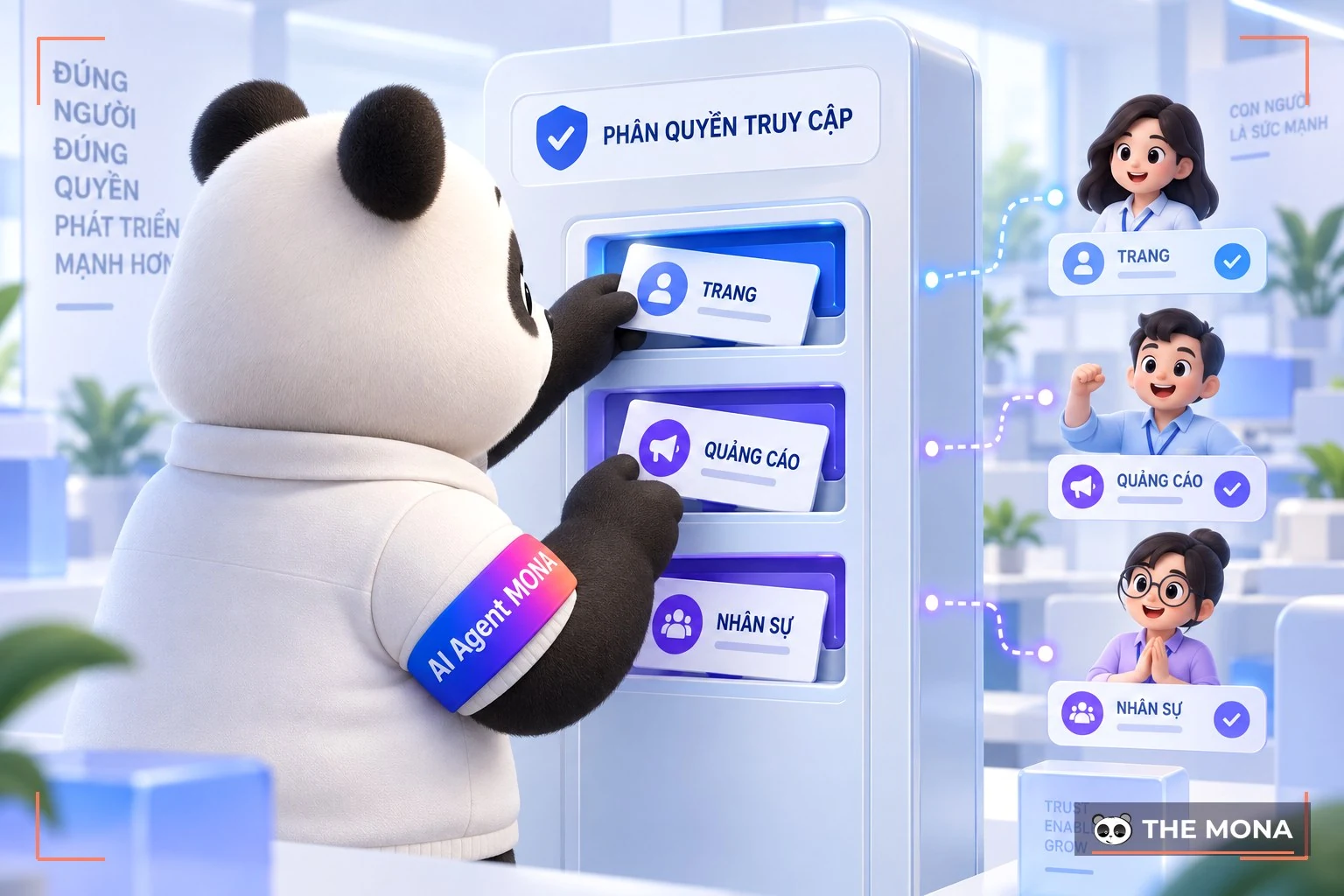
Facebook Business is a Facebook ad account for businesses. Its scale of operation and ad running is better than a personal Facebook account. With Facebook Business, you get regular updates on the latest ad programs. New features are also released to Facebook Business first.
The Facebook Ads Team supports you better when you choose Facebook Business. From Facebook Business, you can also manage your Fanpage better. In particular, Facebook Business lets you manage several Fanpages at once in the same browser with ease.
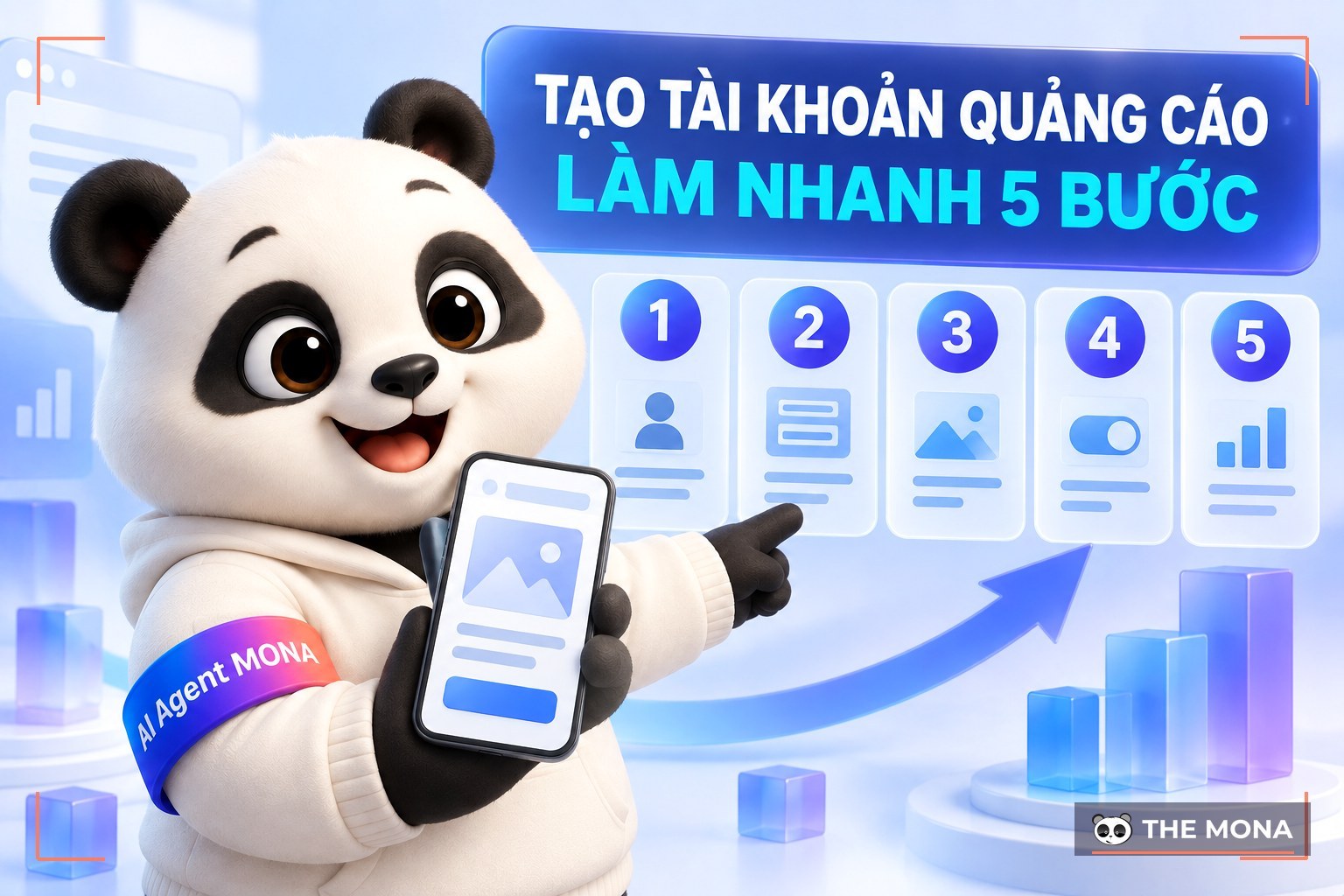
To create a Facebook ad account for your business, go to https://business.facebook.com. Then choose "Create account” and follow Facebook's instructions. With Facebook Business, you can also share Fanpage management rights with more people.
Facebook Ads is a general term used when “running Facebook ads“”. You can do this yourself on Facebook, on your own Fanpage. However, with the support of Facebook Business, your product and service information and videos reach more customers.
Facebook Business finds potential customers and shows them similar services and products to what they are looking for. You get more interaction, turning into messages, calls and orders at a steadier rate.
This is the Facebook term for a customer clicking an ad link on Facebook to install an app, go to then URL of a website, or click a call-to-action button (Call to Action).
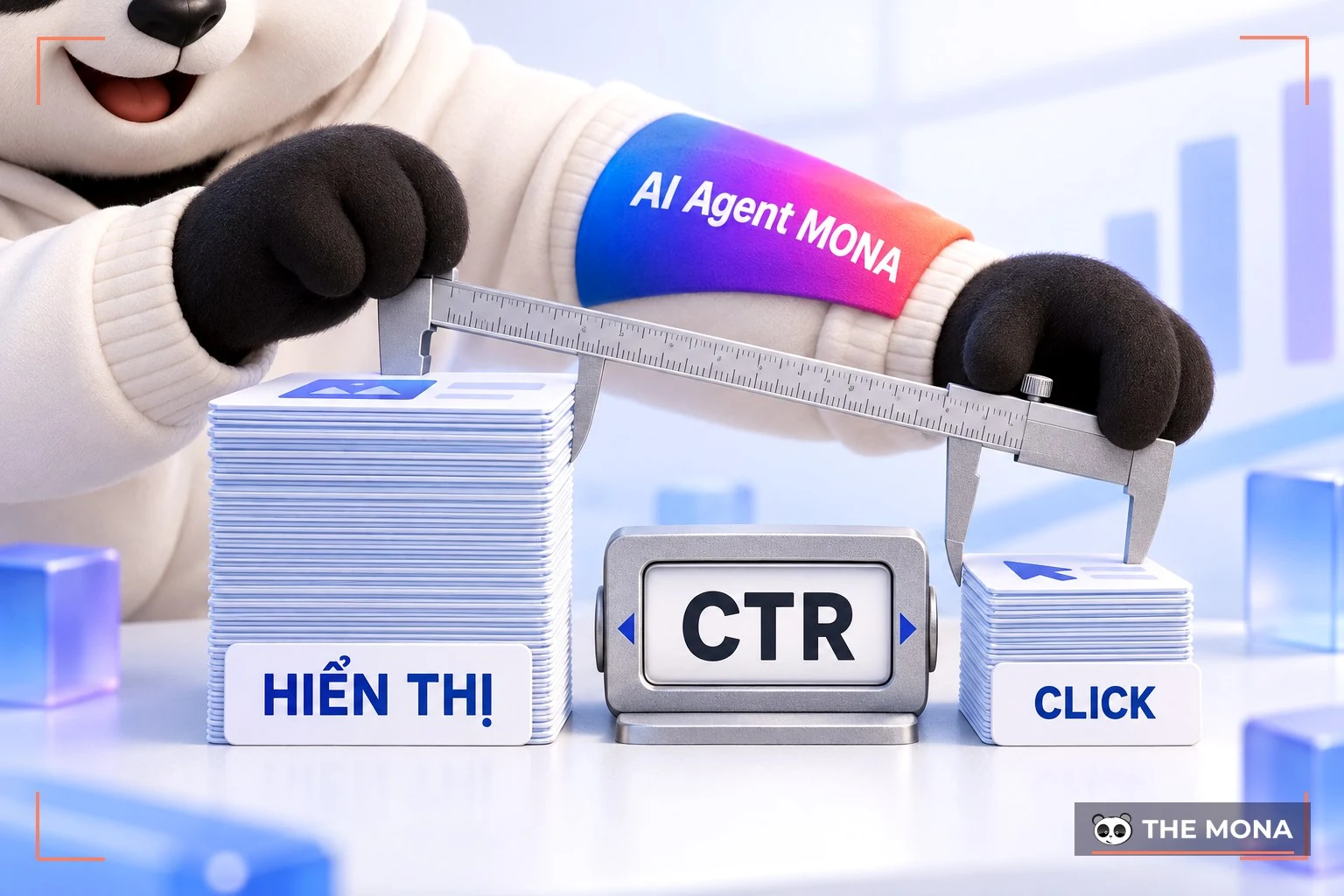
CTR is information used to judge how successful a campaign is. CTR is the action of a customer clicking your ad. It is calculated with the formula:
CTR = (Clicks / Impressions) x 100%
The higher the CTR, the more successful the campaign is, and the more interest users and customers show in your ad.
The term Budget simply means the budget you approve to invest in Facebook Ads campaigns. Budget can be set as a daily budget (Daily Budget) or a lifetime budget (Lifetime Budget). Which type of Budget to choose depends on your finances and on the nature of your products and services.
After your ad is approved and running, Facebook starts charging you. Many people translate it into Vietnamese as “Budget burn”.
In some cases, if your account or post is not valid, Facebook will not Spend. Or if there is an error, the process may run slower. You can contact the Vietnam Facebook Ads team for better support.
Unpaid Facebook ad debt can be seen as a form of fraud. The person running ads registers a Facebook ad account that can pay internationally. At first they choose an ad package and pay 25 USD. Then at the next payment, when Facebook cannot charge the money, the account gets locked.
The person who skips the bill has already run their ads, so they no longer need that account. They accept being locked and create a Facebook account a new one. Then they carry on with the same kind of ad fraud as before.
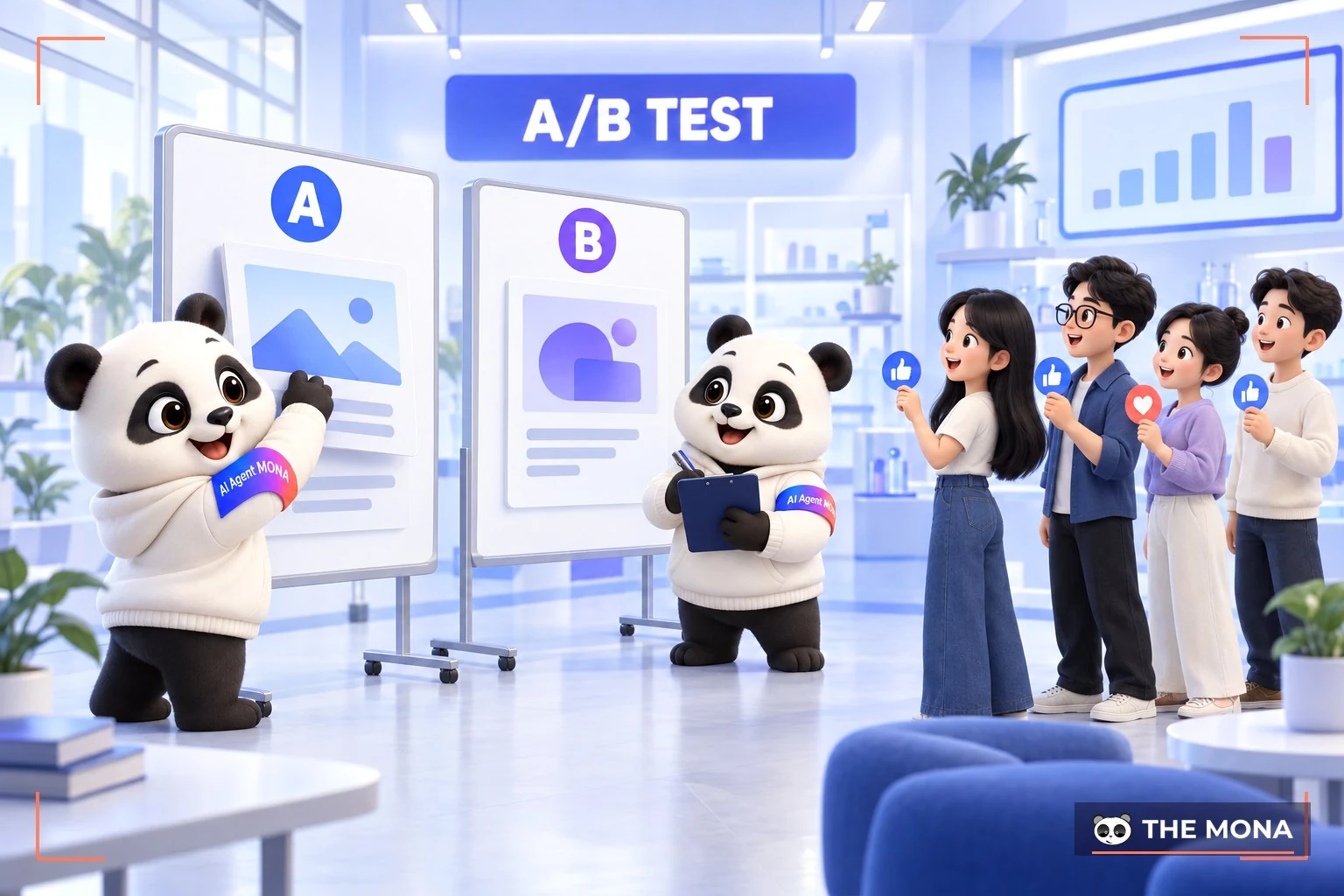
This Facebook ads term is understood as “testing” – a very important step for ad campaigns. By testing your ads on Facebook, you learn the best format, the best status and the most suitable cost for your ad, which makes results more reliable when you roll out the ad.
There are 3 factors to watch when you Test:
This is a piece of code that tracks customer actions. This code will be installed on your website. When one or more customers look for information on your site, Pixel sends a notice back to Facebook and records that customer's visit.
Next, after receiving the information, Facebook directs your ads to the user's personal Facebook. Today, Facebook Pixel is rated as the best tactic for advertising to potential customers.
This is a global Facebook certification given to agencies that handle advertising. This Facebook Ads certificate is equivalent to Google's AdWords certificate.
A customer audience is a Facebook advertising term for a group of people who share behaviors, interests, demographics and other factors.
For example:
Defining a good customer audience plays an important role in how well your ad campaigns perform, so choose your audience in real detail!

This Facebook term is still quite new to people who have just started running Facebook ads. It means your ad account has been temporarily or permanently locked and cannot run ads. There are many reasons for Facebook ads being flagged, for example:
That covers the 30 Facebook terms that you need to know. We hope the information MONA Media shared helps you understand Facebook advertising terms a bit better and lets you apply them to make your Facebook Ads campaigns more effective. If you need a trusted, professional Facebook advertising provider, contact MONA now!
Please contact us via:

CEO & Founder · The MONA
Founder of The MONA, who built a services company of 200+ staff with 14,000+ projects delivered. Khánh Hùng shares how he thinks about building systems that run themselves, automating a business, and the real lessons from delivering projects at MONA.
 1,6K




Professional website
design services
Own a website with a beautiful, 100% exclusive design and a lifetime warranty, with the ability
to expand features flexibly as your business grows, starting today!






 MONA will never sell your information or send you spam


 MONA will never sell your information or send you spam
