
 MONA OS 2.0
 Hợp tác với MONA


 Tự động hoá doanh nghiệp
 Cẩm nang SEO
 Digital Marketing
 Kinh nghiệm thiết kế website
 Hạ Tầng Server
 Giáo dục


 VI
 EN
















Message us on
Zalo Official


 ProductsNew

 ProductsProducts
 Mới ra mắtKHA AI 2027App tự edit video, tự đăng mọi mạng xã hội, 2 phút mỗi ngày










 Thiết kế websiteVừa đẹp vừa thuyết phục được khách.
Dịch vụ SEOKéo về khách đang tìm đúng thứ anh chị bán.
 Tư vấn digital marketingKéo khách từ nhiều kênh, đo bằng số thật.
Quay video doanh nghiệpVideo giới thiệu công ty, nhà xưởng, đội ngũ.
 MớiDựng video AIDựng phim câu chuyện công ty bằng AI.
 Custom software developmentCRM, ERP and HRM built for your business.
 Viết AI Agent theo yêu cầuĐặt riêng một trợ lý AI cho đúng việc của mình.
 Tư vấn chuyển đổi AIĐưa AI vào vận hành của cả công ty.
NewMONA LMSManagement for centers and schools.
MONA SkillHubInternal training for company staff.
 NHTQ systemEnd-to-end China–Vietnam shipping operations.
MONA JMSManagement for gold, diamond and pawn shops.
 MONA E-LearningA website with every feature you need to sell courses.
 How to sell online courses (course)More than 30 free lessons on selling courses on autopilot.
 MONA Cloudmonacloud.vnServers to get your apps and websites running.
 MONA Basemonabase.vnPostgres database, sign-in and file storage.
 MONA Mailmonamail.vnSend OTP, order and invoice emails from your software.
 MONA Paymonapay.vnAccept bank transfers via VietQR and notify your software when the money arrives.
 MONA eInvoiceComing soonIssue e-invoices that meet tax standards.
Gấu CườiTrả lời khách 24/7 trên web, Fanpage, Zalo và thu lead cho sale.
 Gấu TeleSalesGọi điện tư vấn, chăm khách như tổng đài viên thật.
Dê CườiTư vấn và chốt đơn cho shop ngay trong khung chat.
Gấu WebmasterNhắn nhóm Zalo là website được sửa xong.
 Gấu Pháp ChếSoạn hợp đồng, rà điều khoản trong vài phút.
 Gấu Báo GiáLên báo giá đúng mẫu và gửi khách ngay.
 AI chăm sóc khách hàngTheo dõi và giữ chân khách hàng cũ.
 Gấu Tuyển DụngLọc hồ sơ, hẹn lịch, phỏng vấn ứng viên.
 Mới ra mắt
KHA AI 2027
Xây kênh chuyên gia 2 phút mỗi ngày
Quay bằng điện thoại, AI tự edit video, tự đăng lên 16 nền tảng và tự trả lời bình luận, tin nhắn.
878.582lượt xem trên kênh CEO MONA sau 35 ngày
 Anh Khánh HùngCEO MONA đang dùng mỗi ngày
Xem app làm được gì
 AI
Gấu Cười MONA ĐANG TỰ XÀITrả lời khách 24/7 trên website, Zalo OA, Messenger và thu lead về cho sale.
Dê CườiChốt đơn bán lẻ và sàn: Shopee, TikTok Shop, web. Chăm cả khách sỉ, đại lý.
Gấu WebmasterCập nhật nội dung, tối ưu SEO website mỗi ngày.
Gấu TeleSalesGọi điện tư vấn, chăm khách như tổng đài viên thật.
Gấu Tuyển DụngLọc hồ sơ, hẹn lịch, phỏng vấn ứng viên tự động.
AI chăm sóc khách hàngGiữ khách cũ, cứu lead đã rớt cho phòng kinh doanh.
Gấu Pháp ChếSoạn hợp đồng, rà điều khoản trong vài phút.
Gấu Báo GiáLên báo giá đúng mẫu, gửi khách ngay khi có yêu cầu.
 Chuyển đổi AI toàn phầnGiải pháp tổng cho doanh nghiệp, 3 lớp triển khai.
 Viết AI Agent theo yêu cầuĐặt riêng một con AI gánh đúng nghiệp vụ của bạn.
 Custom softwareCRM, ERP and HRM with built-in AI automation.
 SEO & AEO thời đại AIĐược Google lẫn AI trích dẫn, không chỉ xếp hạng.
 Kiến thức AI cho doanh nghiệpBài phân tích, hướng dẫn ứng dụng AI vào vận hành.
 Free AI courses
 AI tools at work
App mới · KHA AI 2027
Xây kênh 2 phút mỗi ngày
AI tự edit video, tự đăng mọi mạng xã hội
Free consultation, 8am–10pm every day

01 August, 2026
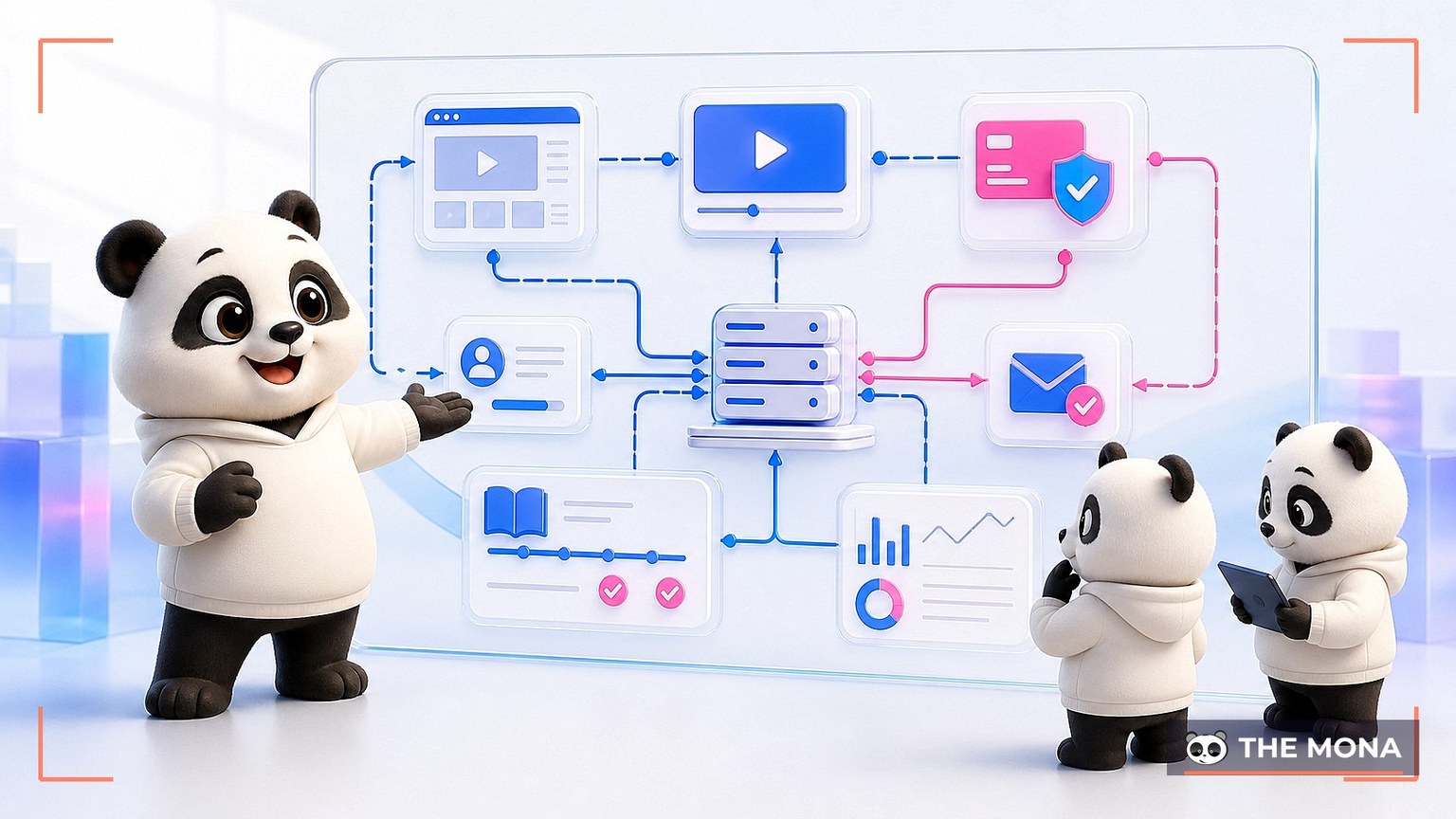
Why can your eLearning system play videos while the ops team still grants access by hand? A page that plays video does not necessarily run the selling, teaching and student care.
This article helps you look at eLearning architecture through real operations. From there, you can decide whether to use SaaS, build your own, or combine the two.
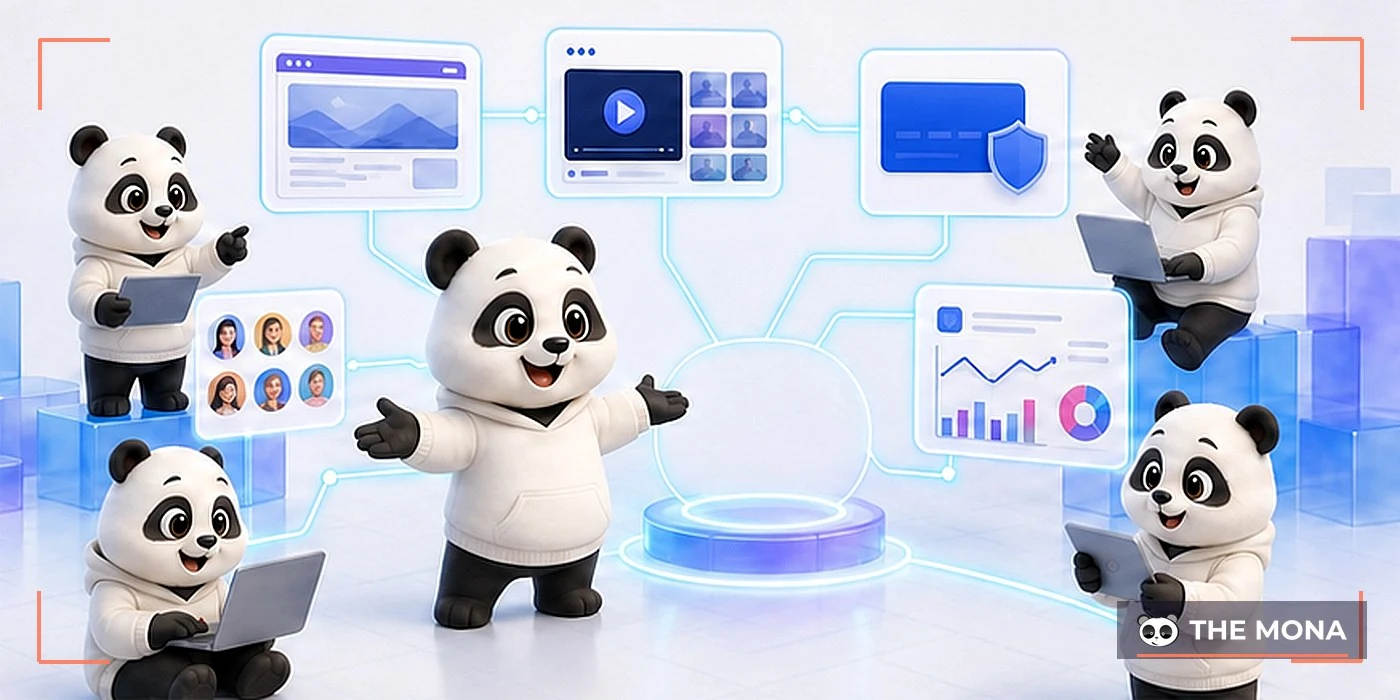
Many projects start with a very short need: a website to upload lectures. The real needs show up after launch day.
Students need to pay, receive an account, see the course they bought and keep learning on their phones. The ops team needs to know who has not paid, who dropped out and which video has an error.
A professional a complete eLearning model must handle the flow before, during and after learning. Video is only one type of content in an eLearning system.
The website presents the brand, the programs and the sales pitch. The LMS manages access rights, progress, tests, certificates and interaction.
The two layers can live in one system or connect via API. If they are separate with no sync mechanism, the ops team has to process orders by hand.
Learners need a simple interface and a clear next step. Operators need data, permissions, care tools and logs to handle incidents.
So an eLearning system requirements document should not just list screens. Describe a working day for each role.

A stable eLearning system usually has seven layers. Each layer handles its own group of tasks but must share identity and data.
IBM describes an LMS as a platform for managing, delivering and tracking learning activity. An eLearning architecture still needs a website, commerce, security and infrastructure.
| Class | What it has to do | Common failure |
|---|---|---|
| Website and landing page | Introduce, capture leads, sell courses | The sales page is separate from the learning account |
| Identity and permissions | Login, roles, access rights | One account shared across many devices |
| Learning content | Video, documents, quizzes, SCORM | Progress is not recorded accurately |
| Commerce | Pricing, discount codes, payment, invoices | Paid but access not granted |
| Student care | Email, learning reminders, remarketing | Sending the same message to everyone |
| Data and reporting | Revenue, progress, scores, alerts | Numbers differ from place to place |
| Infrastructure and safety | CDN, backup, logs, monitoring | No idea where an error comes from |
An eLearning system architecture does not need to be complicated from day one. What matters is that data has a clear path and every layer has an owner.
If your team needs to standardize content, read more about SCORM standard. If your team needs software for its own process, scope it first with the custom software.
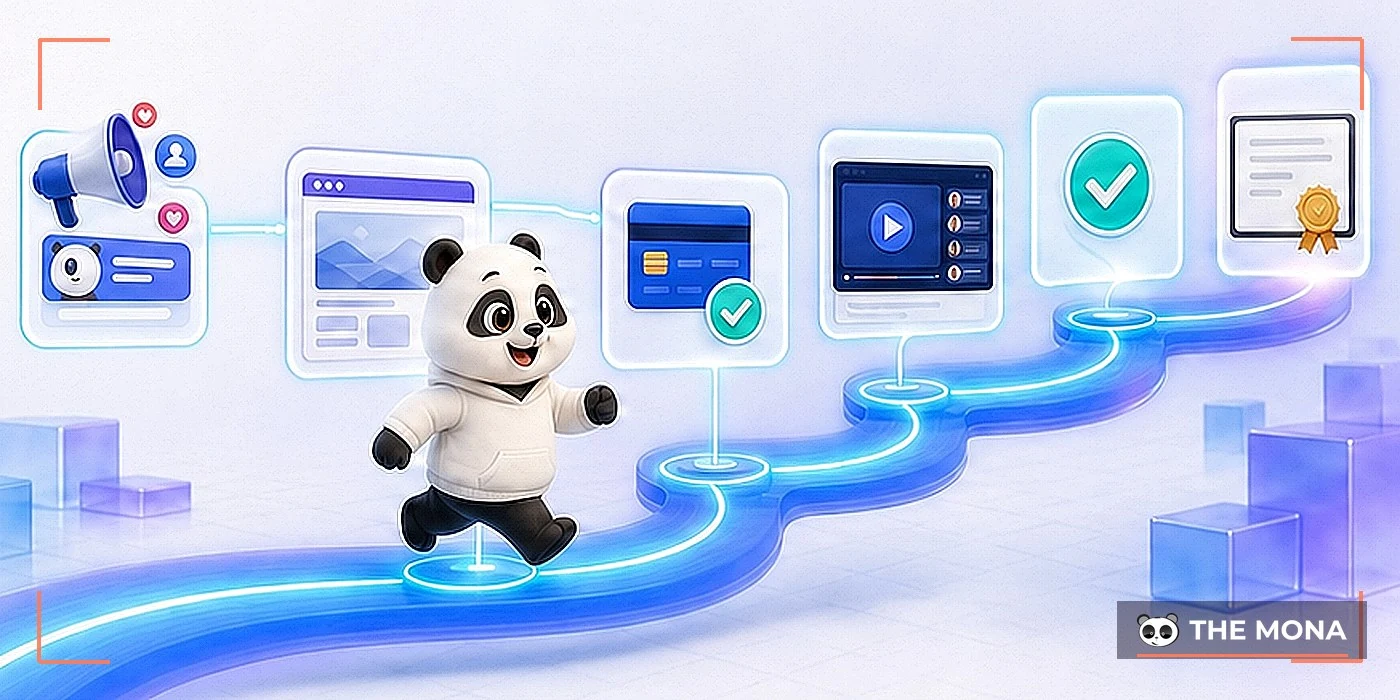
Students do not see the eLearning system architecture behind the scenes. They only feel it every time they wait, re-enter data or ask why they cannot get into class.
One small break in an eLearning system after payment can cost trust. A consultant then has to check the bank and send a password by hand.
| Touchpoint | Experience needed | Signal to record |
|---|---|---|
| Sales page | Understand the content, price and benefits | Traffic source, campaign, lead |
| Payments | Know whether the transaction succeeded | Order ID, amount, status |
| Access granted | Get into the right course right after buying | Plan, duration, device |
| Inside the course | Know the next lesson and progress | Watch time, quizzes, completion |
| After the course | Receive a certificate and a fitting recommendation | Results, feedback, next need |
A good flow starts with a course landing page with a clear pitch. After that, the eLearning system has to keep the same learner across every step.
An eLearning system should treat confirming payment and granting access as one checked chain. If a step fails, the admin must see why.
This avoids duplicate grants, misses or opening the wrong course. It also makes reconciliation easier when you run several rounds of course pre-sale.

Teams running an eLearning system often have enough data, but it sits in many files. Order lists, accounts and learning results do not share one identifier.
When an eLearning system cannot connect these pieces, it is hard to know which campaign brings students who actually learn. Reports also cannot explain completion rates.
| Metric group | Operating question | Next action |
|---|---|---|
| Selling | Which orders are unfinished? | Send a payment reminder for the right status |
| Triggering | Who bought but has not started? | Send a getting-started guide |
| Progress | Which lesson do students stop at? | Check the content or offer support |
| Results | Which quiz has a high error rate? | Fix the lecture or the question |
| Retention | Who is likely to leave the course? | Send behavior-based learning reminders |
| Expansion | Which group fits the next course? | Recommend what matches their needs |
One MONA project we took over used to export three files a day to grant access. As the number of courses grew, the same student appeared under several different emails.
We brought orders, accounts and access rights under one eLearning system identity. From then on the ops team only handled exceptions.
You can also read more about how to retain students with learning signals. The data scope should be defined right in the project scope.
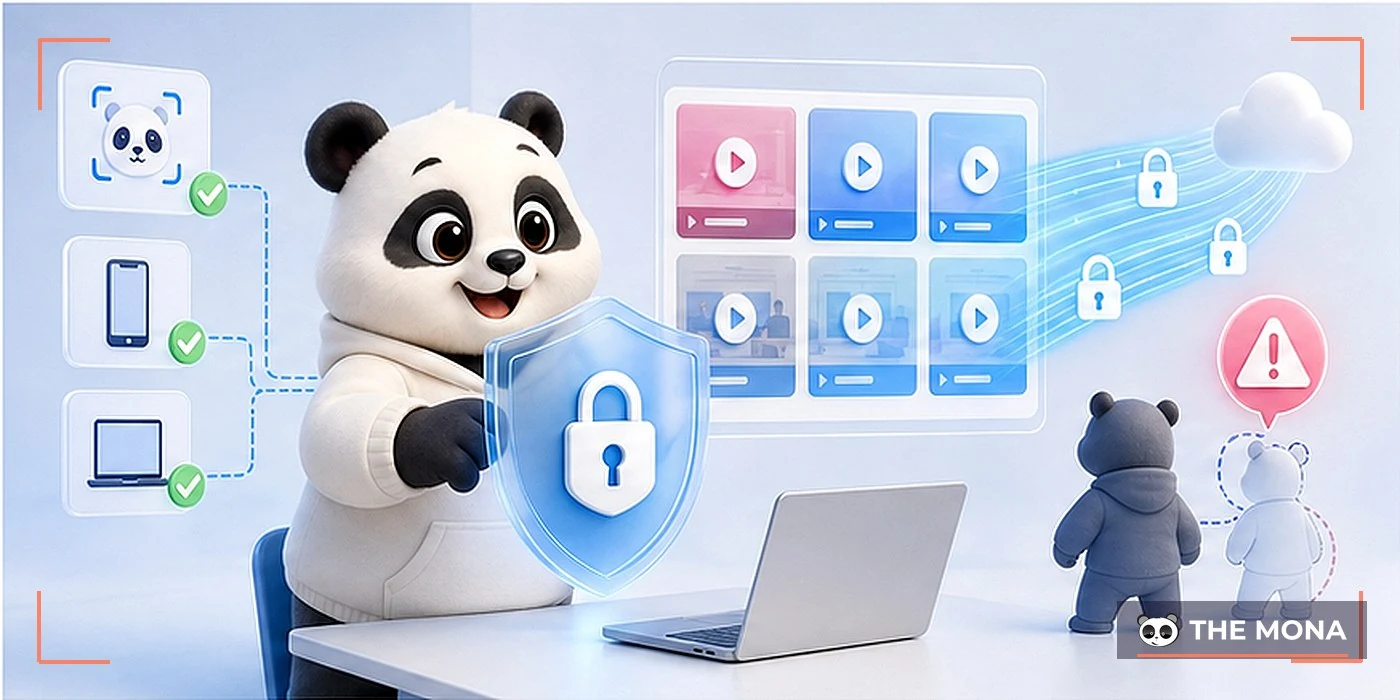
An eLearning system has two assets to protect: content and learner data. Simply hiding the video link is not enough to stop downloads or account sharing.
Cloudflare explains that streaming sends data continuously instead of waiting for the whole file to download. An eLearning system still needs tokens, access control and behavior logs.
| Risk | Control layer | Data to track |
|---|---|---|
| Account sharing | Device limits, login alerts | Device, IP, time |
| Bulk video downloading | Streaming, tokens, suitable DRM | Playback sessions, speed, unusual requests |
| Document leaks | Download permissions, per-learner watermark | Who accessed, which file, when |
| Data loss | Backup, restore testing | Version and restore result |
| Admin abuse | Roles, action logs | Who changed what and when |
eLearning system security has to be balanced with experience. Blocking too hard kicks real students out of class, while blocking too lightly lets content spread.
MONA typically combines anti-download technology for documents, session limits and behavior logs. Video infrastructure should also be separated from the server that runs the website.
Take a recent order and walk the whole path from the bank transfer to the first lesson viewed. If your team has to open two or more screens to grant access, the system has a break that needs to be scoped out.
MONA can sit down with you and redraw this flow before we talk about features or quotes.
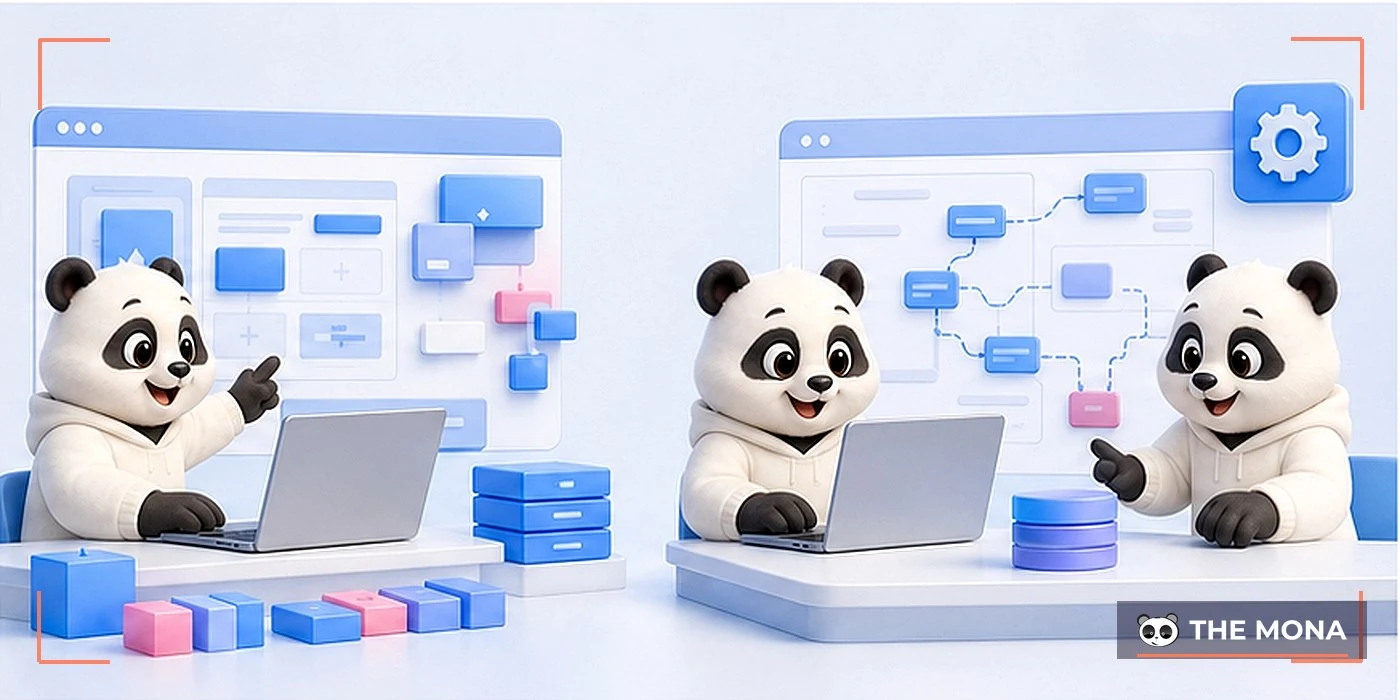
Not every eLearning system needs to be built from scratch. A creator with a few courses is very different from a business training many departments.
MONA separates the two paths right at the discovery session. The SaaS path prioritizes speed, while the custom system prioritizes process and integration.
MONA Academy is a SaaS eLearning product with a ready-made website, courses, payment, email, affiliate and reports. You configure your brand instead of starting from a blank codebase.
This path suits experts, instructors and training centers that want to validate a model. Upfront cost is easier to control because the core is shared.
Businesses with many roles, approvals or existing data usually need their own eLearning system. The scope can include SSO, HRM, CRM and ERP.
Trang designing a website to sell courses goes deeper on the custom direction. For staff training, MONA SkillHub is the right owner.
If your team needs a brand website as the entry point, see MONA website design service. The eLearning system scope will be settled separately based on your sales and learning flow.
We have built digital products since 2016 and taken part in over 14,000 MONA projects. What we have learned is not to force every eLearning system into the same mold.
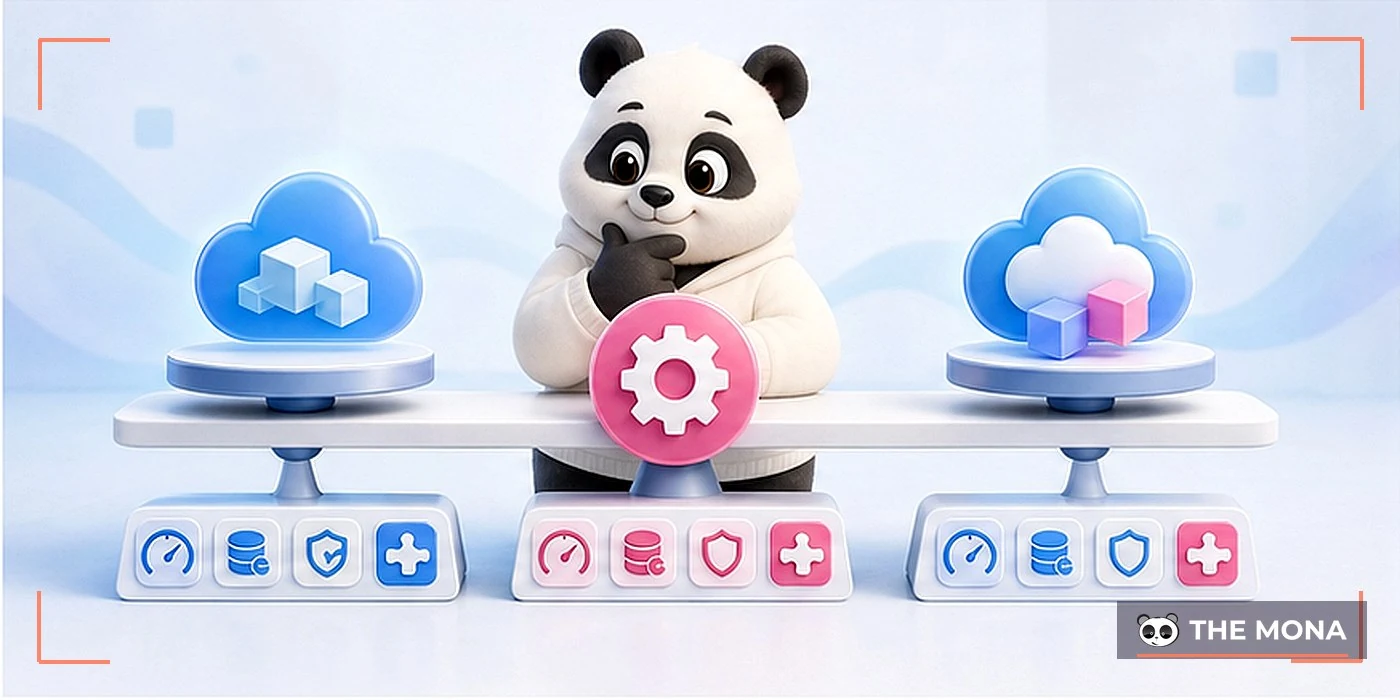
When choosing an eLearning system, base the decision on the revenue-generating process, the data you need to keep and how fast things change. A long feature list is not enough.
| Criterion | SaaS | Custom system | Hybrid |
|---|---|---|---|
| Time to start | Nhanh | Depends on the analysis scope | Phased delivery |
| Upfront cost | Lean | Higher because of custom development | Chia theo module |
| Process customization | Within configuration limits | Deep, following your operations | Keep the SaaS core, connect custom parts |
| Data integration | Through existing APIs | Designed around the source systems | Focused on the key integrations |
| Technical operations | The provider handles the core | Needs a maintenance plan | Clear split of responsibility |
| Best for | Creators and centers validating a model | Businesses with specific processes | Organizations transforming in stages |
Software price is only one part of eLearning system cost. Total cost also includes content, domain, video, integrations and data migration.
A custom system also carries the cost of change as operations evolve. SaaS has recurring fees but lightens the maintenance burden on the core.
Calculate eLearning system cost per paying student or per employee who completes a course. That makes the comparison data-based.
Gartner Peer Insights groups of corporate learning technology by use case. You still need to check each product against your own process and data.
If revenue is the main goal, also look at how to price online courses and the cost of acquiring students.
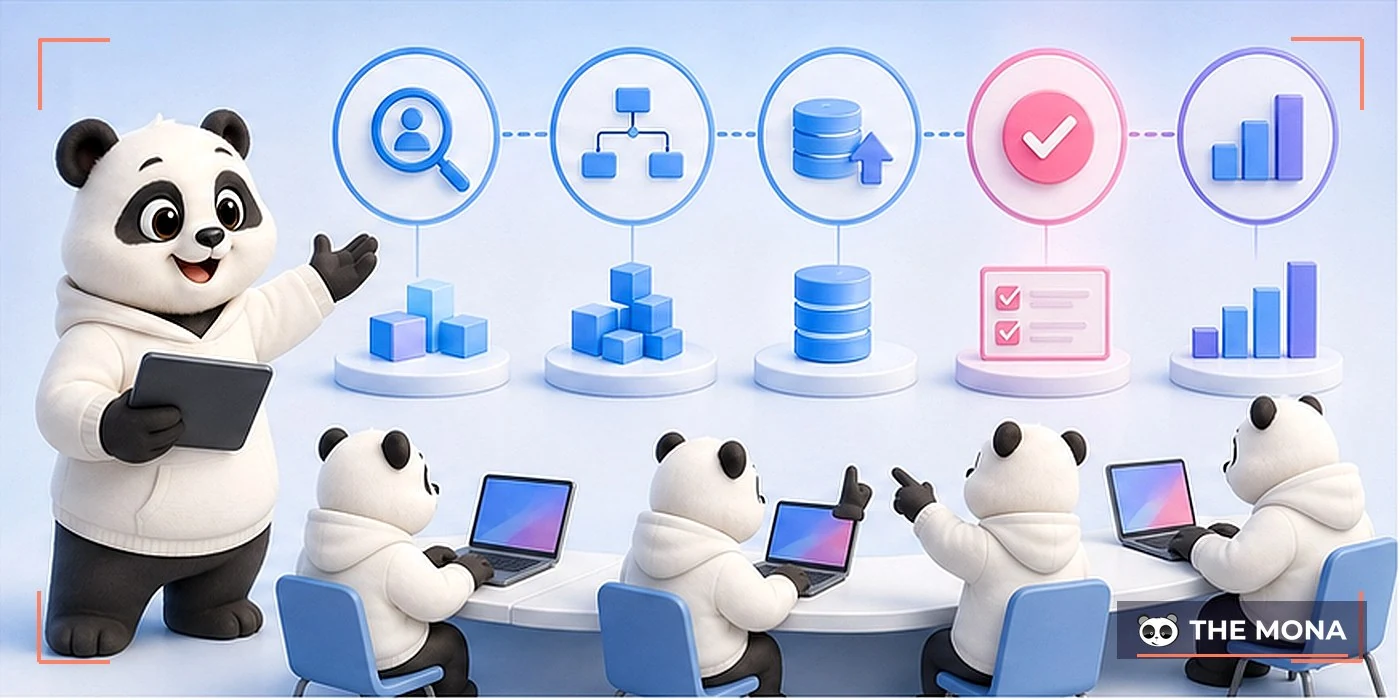
eLearning system projects bloat easily when every department adds its own wish list. The roadmap needs to settle operating outcomes before settling screens.
One MONA eLearning system project once had more than ten permission groups, each named by its own department. Left as is, reports still could not be consolidated.
We reorganized roles by what each is allowed to do. After that, departments share one structure but still see only their own data.
| Acceptance item | Way of checking | Confirmed by |
|---|---|---|
| Sign-up and login | Test multiple roles and devices | Operations and engineering |
| Payments | Run successful, failed and refunded transactions | Accounting and sales |
| Learning access | Check plans, duration and course switching | Soft skills |
| Content | Test video, documents, quizzes, SCORM | Instructor |
| Reports | Reconcile against source data | Management |
| Recovery | Perform one documented restore | Technical |
Infrastructure must be tested separately with real content. The page LMS Hosting explains more about bandwidth, backup and concurrent load.
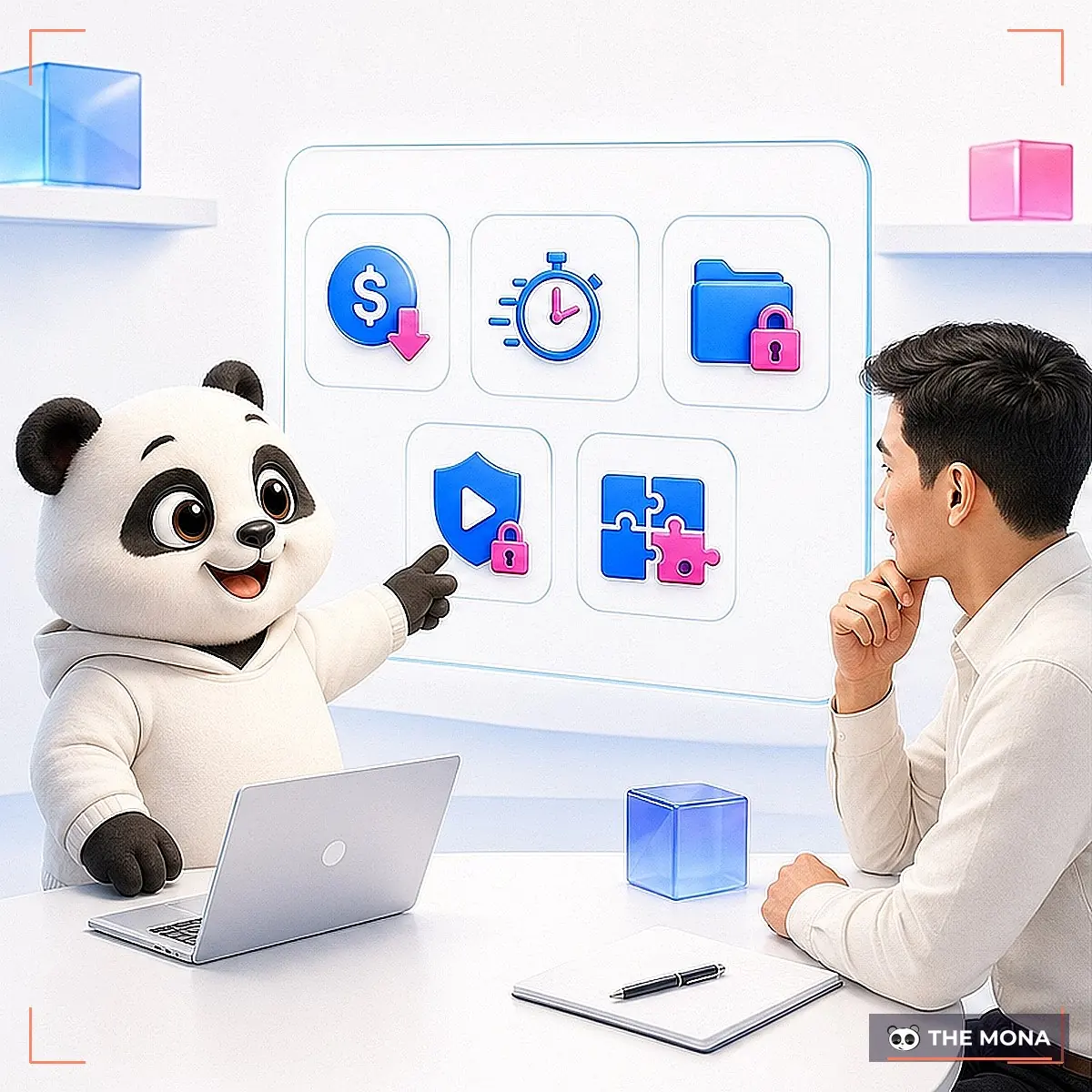
An LMS handles learning management. An eLearning system is broader, since it can include a website, sales, video, student care, infrastructure and data integration.
You can read the article What is an LMS to tell learning management functions apart from the whole operating ecosystem.
A SaaS setup can start once branding, courses and payments are configured. A custom system needs time for discovery, development, data migration and acceptance.
The exact time depends on the number of roles, integrations and how ready your content is. MONA only fixes a schedule after both sides lock the scope.
Yes, if your data is well organized and there is an export function or API. Ask in advance about the data structure, which files you can take with you, and who is responsible when the service ends.
Yes, but the flow differs from selling courses. Internal training needs an organizational structure, role-based learning paths, approvals and manager reports.
Buyer guide LMS for business analyzes these criteria separately.
Bring one real course, one sample order, a list of roles and the reports you use. These four items let discovery go straight to operations.
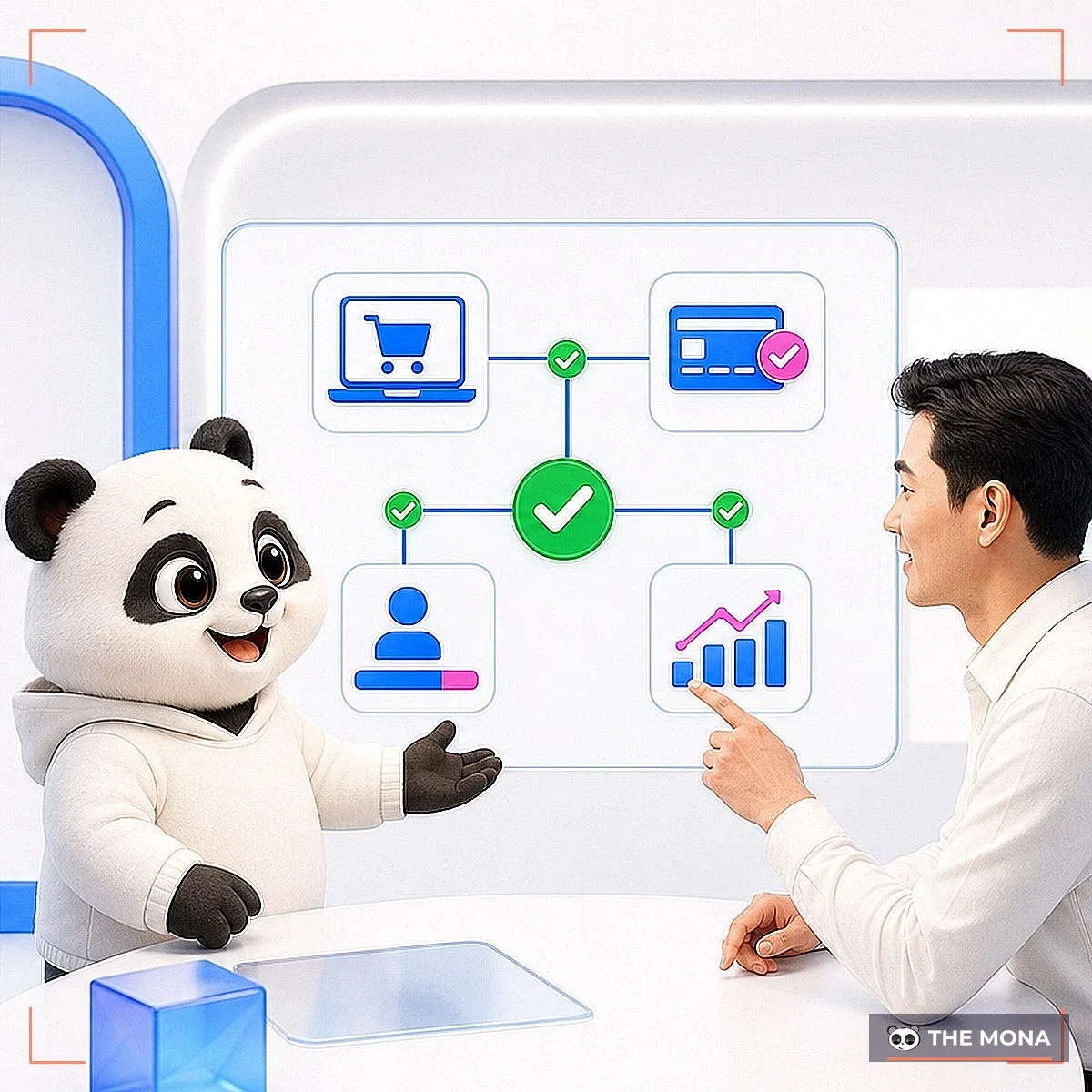
An eLearning system creates value when learners get into class smoothly and the ops team sees the data it needs. A large number of features is no substitute for a flow that has been tested.
You can start small with SaaS, build your own once the process is clear, or combine the two. What to avoid is buying from a feature list and only then trying to fit it into real operations.
If every order still needs a person to check the money, create an account and send access, the cost is in the repeated manual work.
You may already have tried spreadsheets, plugins or stitching tools together. Those usually break as courses, price points and permission groups grow.
MONA will walk through one real order with you, find where it breaks, and split the scope into what to do now and what can wait.
Call 1900 636 648 or send a request via the MONA contact page. A well-run discovery session avoids both over-buying and under-building.
Where does your eLearning system break?

CEO & Founder · The MONA
Founder of The MONA, who built a services company of 60+ staff with 14,000+ projects delivered. Khánh Hùng shares how he thinks about building systems that run themselves, automating a business, and the real lessons from delivering projects at MONA.
 416




Professional website
design services
Own a website with a beautiful, 100% exclusive design and a lifetime warranty, with the ability
to expand features flexibly as your business grows, starting today!






 MONA will never sell your information or send you spam


 MONA will never sell your information or send you spam
