
 MONA OS 2.0
 Partner with MONA


 Tự động hoá doanh nghiệp
 Cẩm nang SEO
 Digital Marketing
 Kinh nghiệm thiết kế website
 Hạ Tầng Server
 Giáo dục


 VI
 EN















Message us on
Zalo Official


 ProductsNew

 ProductsProducts
 Mới ra mắtKHA AI 2027App tự edit video, tự đăng mọi mạng xã hội, 2 phút mỗi ngày










 Website designLooks good and wins customers over.
SEO servicesBrings in customers searching for exactly what you sell.
 Tư vấn digital marketingKéo khách từ nhiều kênh, đo bằng số thật.
Corporate video productionVideos introducing your company, factory and team.
 NewAI video productionCompany story films made with AI.
 Custom software developmentCRM, ERP and HRM built for your business.
 Viết AI Agent theo yêu cầuĐặt riêng một trợ lý AI cho đúng việc của mình.
 Tư vấn chuyển đổi AIĐưa AI vào vận hành của cả công ty.
NewMONA LMSManagement for centers and schools.
MONA SkillHubInternal training for company staff.
 NHTQ systemEnd-to-end China–Vietnam shipping operations.
MONA JMSManagement for gold, diamond and pawn shops.
 MONA E-LearningA website with every feature you need to sell courses.
 How to sell online courses (course)More than 30 free lessons on selling courses on autopilot.
 MONA Cloudmonacloud.vnServers to get your apps and websites running.
 MONA Basemonabase.vnPostgres database, sign-in and file storage.
 MONA Mailmonamail.vnSend OTP, order and invoice emails from your software.
 MONA Paymonapay.vnAccept bank transfers via VietQR and notify your software when the money arrives.
 MONA eInvoiceComing soonIssue e-invoices that meet tax standards.
Gấu CườiTrả lời khách 24/7 trên web, Fanpage, Zalo và thu lead cho sale.
 Gấu TeleSalesGọi điện tư vấn, chăm khách như tổng đài viên thật.
Dê CườiTư vấn và chốt đơn cho shop ngay trong khung chat.
Gấu WebmasterNhắn nhóm Zalo là website được sửa xong.
 Gấu Pháp ChếSoạn hợp đồng, rà điều khoản trong vài phút.
 Gấu Báo GiáLên báo giá đúng mẫu và gửi khách ngay.
 AI chăm sóc khách hàngTheo dõi và giữ chân khách hàng cũ.
 Gấu Tuyển DụngLọc hồ sơ, hẹn lịch, phỏng vấn ứng viên.
 Mới ra mắt
KHA AI 2027
Xây kênh chuyên gia 2 phút mỗi ngày
Quay bằng điện thoại, AI tự edit video, tự đăng lên 16 nền tảng và tự trả lời bình luận, tin nhắn.
883.362lượt xem trên kênh CEO MONA sau 36 ngày
 Anh Khánh HùngCEO MONA đang dùng mỗi ngày
Xem app làm được gì
 AI
Gấu Cười MONA ĐANG TỰ XÀITrả lời khách 24/7 trên website, Zalo OA, Messenger và thu lead về cho sale.
Dê CườiChốt đơn bán lẻ và sàn: Shopee, TikTok Shop, web. Chăm cả khách sỉ, đại lý.
Gấu WebmasterCập nhật nội dung, tối ưu SEO website mỗi ngày.
Gấu TeleSalesGọi điện tư vấn, chăm khách như tổng đài viên thật.
Gấu Tuyển DụngLọc hồ sơ, hẹn lịch, phỏng vấn ứng viên tự động.
AI chăm sóc khách hàngGiữ khách cũ, cứu lead đã rớt cho phòng kinh doanh.
Gấu Pháp ChếSoạn hợp đồng, rà điều khoản trong vài phút.
Gấu Báo GiáLên báo giá đúng mẫu, gửi khách ngay khi có yêu cầu.
 Chuyển đổi AI toàn phầnGiải pháp tổng cho doanh nghiệp, 3 lớp triển khai.
 Viết AI Agent theo yêu cầuĐặt riêng một con AI gánh đúng nghiệp vụ của bạn.
 Custom softwareCRM, ERP and HRM with built-in AI automation.
 SEO & AEO thời đại AIĐược Google lẫn AI trích dẫn, không chỉ xếp hạng.
 Kiến thức AI cho doanh nghiệpBài phân tích, hướng dẫn ứng dụng AI vào vận hành.
 Free AI courses
 AI tools at work
App mới · KHA AI 2027
Xây kênh 2 phút mỗi ngày
AI tự edit video, tự đăng mọi mạng xã hội
Free consultation, 8am–10pm every day

12 June, 2026

DeepSeek is becoming a powerful AI tool for streamlining your workflow. With better natural language processing, DeepSeek is especially effective at helping your marketing team create content, research keywords and improve SEO rankings. We at MONA know that mastering the right prompting techniques helps you get the most out of it. Below is a detailed guide drawn from our hands-on experience, so you can use DeepSeek as effectively as possible, especially for digital marketing and content development. You can visit DeepSeek homepage to get started.
DeepSeek is changing how we creating content. You can quickly produce high-quality articles in bulk. That speed noticeably boosts your SEO strategy.
Many businesses haven't tapped the full potential of this tool. Let's look at its core features. They are the key to better performance.
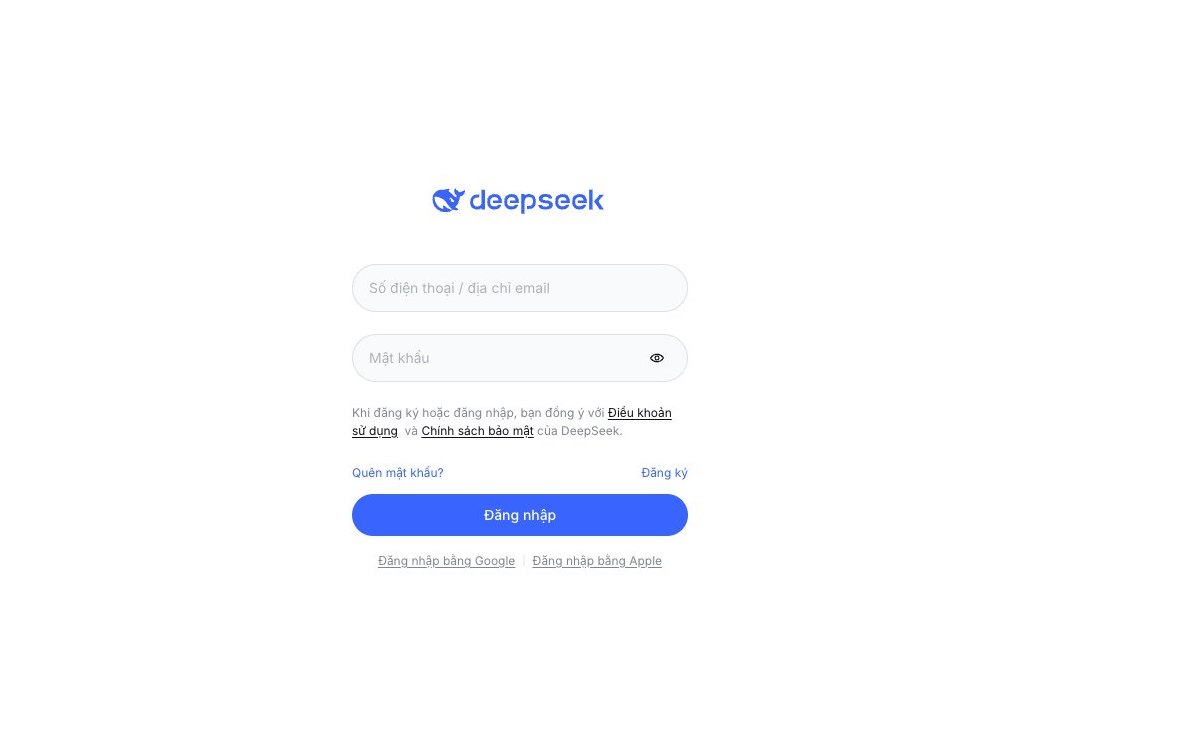
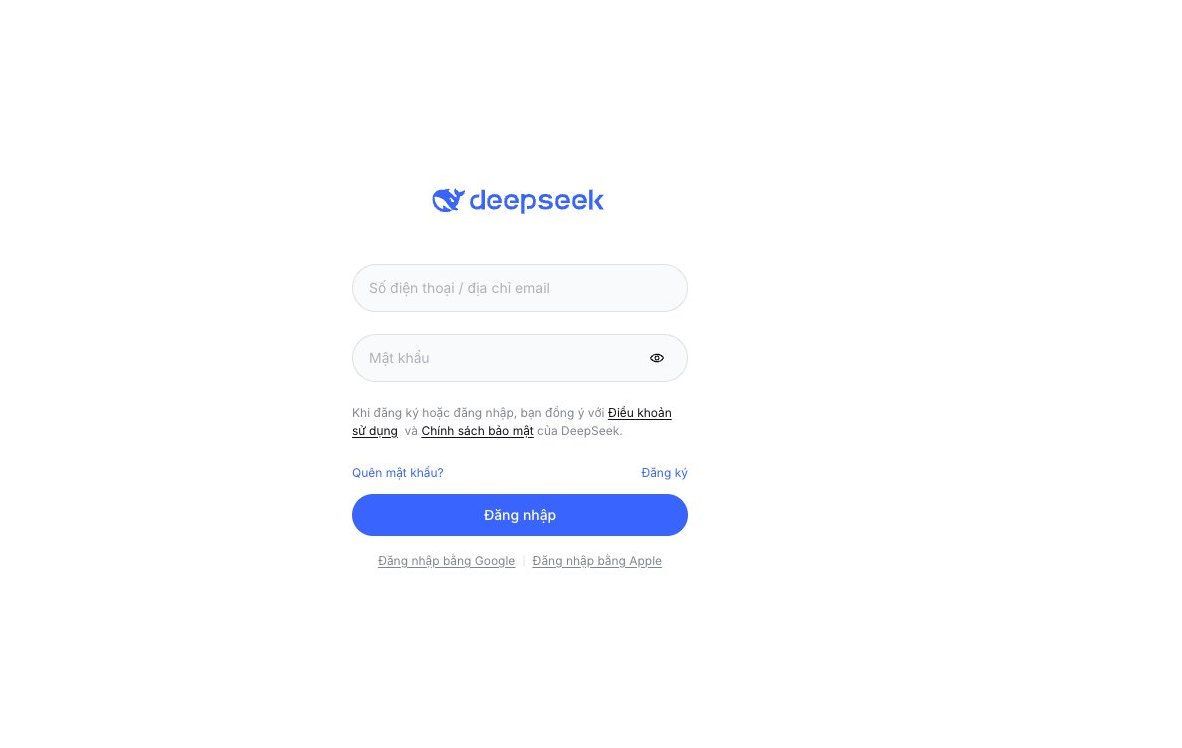
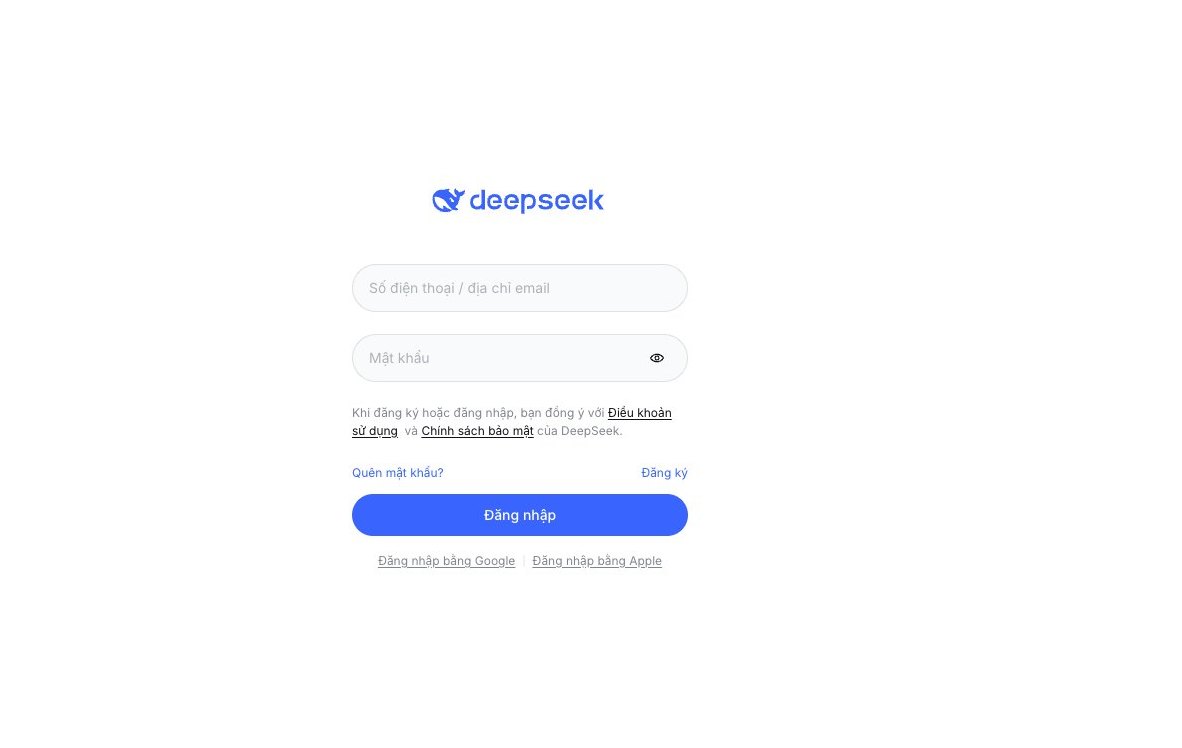
The first step is getting familiar with the DeepSeek interface. Open the platform and look at the main input box. This is where we give instructions to the AI.
Entering prompts is the basic skill. An effective prompt points the AI in exactly the right direction. Start with simple, clear commands.
For example, say you want an SEO article. Type “Write an SEO article about the benefits of warehouse management software.” DeepSeek starts generating content. Always keep prompts short.
To get good SEO results, you need precise keywords. MONA provides professional SEO services. We will help you optimize your keywords.
DeepSeek has an expert mode. It unlocks many advanced options and helps the AI understand our requests more deeply.
Look for the settings icon or the “Advanced mode” button and switch it on. Custom fields will appear. These settings are very powerful.
In expert mode, you can assign the AI a role. For example, “You are an SEO marketing expert.” Or “You are an experienced editor.” This noticeably improves content quality. The AI focuses more on the requested field.
This mode helps the AI produce 10 SEO articles in 1 hour. That is an impressive result. We get the most out of DeepSeek.
Keeping a consistent brand voice is essential. Content must stay uniform. DeepSeek lets you set up a tone profile.
In advanced settings, find the “Tone and style” section. Enter descriptions of your brand voice. For example: “Professional, friendly, knowledgeable.” Or “Young, energetic, approachable.”
You can also provide existing content samples. The AI learns from them and imitates your company's writing style.
A brand voice profile gives every article a soul. We don't just produce content. We produce a consistent message, which strengthens your brand image in the market.
To get a an SEO-ready website with a distinctive voice, contact MONA. We specialize in website design and content optimization.
To DeepSeek produces accurate contentthat matches your strategy, but prompt entry needs a formula. We can't just give vague commands. A tight prompt structure makes the AI work more effectively.
We distilled this formula 4-layer prompt formula from our own internal work. It helps DeepSeek stick to your brand voice and SEO goals. Apply it to get better output.

This first step is crucial. Give DeepSeek a clear role. It shapes how the AI thinks and responds. A specific role delivers results. You will see the difference.
Ask DeepSeek to be an “experienced SEO expert”. Or assign the role of “professional advertising copywriter”. You can even narrow it down to “content marketing specialist for the F&B industry”. This helps DeepSeek filter information more effectively.
Example:
"You are an SEO expert in Vietnam with 10 years of experience optimizing websites for mid-sized and large businesses."
"Act as a content marketing specialist for a high-end fashion store chain."
You can also explore our in-depth SEO services to see exactly how DeepSeek should do the job.

After assigning a role, provide detailed context. DeepSeek needs to know where this article will be used and for whom. This is the core factor.
Describe who the readers are: age, interests, the problems they face. State the purpose of the article and what we want readers to do after reading. The more detailed the context, the more accurate the result.
Example:
"This article is for small and mid-sized business owners looking to cut operating costs. They are interested in technology but have no experience with AI. The goal is to persuade them to explore automation solutions."
"The content will be published on the blog of a tech retail website, attracting young people who love innovation. The purpose is to introduce a new product, that boosts engagement."
Understanding your audience is the compass for effective website design, and the same goes for DeepSeek.

This is where you set out the specific job. DeepSeek needs to know exactly what to do. The task must be spelled out in detail.
List the primary and secondary keywords to include, the key points to cover, the length limit and the writing style. DeepSeek uses these to produce focused content. Don't skip the small details.
Example:
"Write a blog post of about 1,000 words on 'the benefits of process automation'. Use the keywords: 'automation software', 'business cost savings', 'higher productivity'. The content must highlight MONA's solutions. The tone should be professional and trustworthy."
"Compare 3 standout features of the new warehouse management software. Focus on 'inventory management', 'automated reports', 'multi-platform connectivity'. The article must be highly persuasive."
We often use this approach to build content for spa management software, making sure the features are described clearly.

Finally, state exactly which format DeepSeek should deliver. This saves editing time. A clear format is essential.
You can ask DeepSeek to return a complete blog post with H2 and H3 tags, a list of title ideas, a short product description, or even a comparison table. DeepSeek will follow the structure you set.
Example:
"Format the article as HTML, with an H2 tag for each main section and p tags for paragraphs. Use ul li for the list of benefits."
"Give 5 compelling title ideas, each under 70 characters. Then write a 200-word description for the product."
A standardized format lets your team use the content quickly. The same applies to the other projects marketing online that we deliver.
Building an SEO-ready blog outline is an important step. It shapes the structure of the content. DeepSeek helps you do this extremely efficiently.
We use DeepSeek to analyze and synthesize information. From that, you get a quality outline that appeals to both readers and search engines.
Before writing, we need to understand the market. DeepSeek is a powerful tool. It helps you quickly see which keywords your competitors rank highly for.
Just give DeepSeek a list of your competitors. DeepSeek will compile the data. It also helps us spot emerging search trends.
This is essential. It keeps your content relevant. You can ask DeepSeek to list the common questions users search for on the topic.
Once you have the keyword data, the next step is creating the outline. This is where DeepSeek really shines.
Give DeepSeek the primary and secondary keywords you analyzed, along with the goal of the article. DeepSeek will produce a detailed outline.
The outline includes H2 and H3 headings optimized for SEO. It ensures logical flow and full coverage of the topic. We can use a prompt like “Create an SEO outline for an article about [topic] with the keywords [keyword list]”.
DeepSeek arranges the sections. The content has a clear structure. That makes it easy for readers to follow, and it helps search bots understand the topic of the article.
With the outline ready, it's time to weave in keywords. DeepSeek will guide you on placing keywords as naturally as possible. This matters a lot.
Use DeepSeek to review each subheading. It suggests where to place the primary keyword and points out related secondary keywords.
The goal is an even keyword distribution, with no stuffing. DeepSeek helps keep keyword density reasonable. The article reads smoothly while keeping its SEO strength.
A good outline is not only SEO-optimized. It must also be original. You need to double-check.
DeepSeek can help you review the outline. It compares against similar articles and helps us spot overlaps.
You can ask DeepSeek to suggest fresh angles or ideas nobody has covered yet. We then adjust the outline so the article offers readers something distinct.
This raises content quality and makes your article stand out, especially in today's fiercely competitive market.
High-quality content is the foundation of every successful SEO and marketing strategy. Even a small mistake can hurt your credibility and reduce your ability to attract customers. Yet manual review takes a lot of time and it's easy to miss errors.
DeepSeek offers a solution. It doesn't just help you create new content. DeepSeek is also a capable editing assistant that helps check, revise and upgrade your articles. We will show you how to use DeepSeek most effectively for this job.
The human eye struggles to catch every small mistake, especially with large volumes of content. DeepSeek does this very well. It runs advanced grammar and spelling checks and finds errors ordinary tools can't see.
To get the most out of it, give a specific prompt. For example, ask DeepSeek: “Check the grammar, spelling and punctuation of the paragraph below. Suggest detailed corrections and explain the reason for each error.”
DeepSeek analyzes every sentence. It fixes errors and explains why. That helps your team learn and improve their writing skills with each review. Content quality becomes much more consistent.
Readable content always comes first. Sentences that are too long and complicated wording can drive readers away. DeepSeek helps you solve this. It analyzes your sentence structure and suggests ways to shorten and simplify wording, making the content suit a wider audience.
You can prompt DeepSeek like this: “Analyze the length and complexity of the sentences in this paragraph. Suggest how to rewrite long, complex sentences into shorter, easier ones while keeping the core meaning. Make sure the content suits a general audience.”
The result is a smoother article. Readers take in the information more easily. DeepSeek makes the content more engaging.
A good article needs flow and coherence. Ideas must connect logically and transitions must feel natural. Without them, readers lose their breath. DeepSeek can evaluate the overall structure of an article. It spots breaks in flow and passages that lack connection. Then it suggests how to rearrange ideas and adds suitable linking words.
You can use the prompt: “Evaluate the flow and coherence of this article. Identify transitions that feel unnatural or lack connection. Suggest ways to improve the structure, add linking words or reorder sentences so the content reads smoothly and is easier to follow.”
The article gets a natural flow. Readers can skim or read in depth with ease. The cohesion of the article improves noticeably.
DeepSeek is not a one-way tool. You can train it to better understand your brand's style and voice. Each time DeepSeek makes a suggestion, evaluate it. If you make manual edits, give the AI feedback.
For example, after a DeepSeek suggestion, you can say: “I edited this paragraph to [explain the reason, for example: 'a friendlier tone' or 'better keyword optimization']. Remember this style for next time.”
This matters. DeepSeek learns from these interactions and gradually becomes a personalized assistant. It will understand your taste and make increasingly accurate suggestions. Your editing process gets more efficient over time.
DeepSeek is a powerful tool. It helps your team raise content quality. DeepSeek automates many review steps, freeing up time for more strategic work. You get SEO-ready content that attracts customers effectively.
However, DeepSeek, like any AI tool, has limits. It is only an assistant. It cannot fully replace human creativity and strategy. To make a real, visible difference, you need a synchronized content management system. That system must integrate AI deeply and be customized for each business. This is what MONA has done for over 10 years. We specialize in building custom automation software solutions. MONA has a team of . We have successfully delivered 14,000+ projects. MONA's customer retention rate is 85%. We help Vietnamese businesses streamline operations, from SEO-ready website design to full digital marketing campaigns.
Your marketing team is always under heavy pressure. We need to maintain a varied presence across social media platforms, which takes a lot of time and effort. DeepSeek can change the game.
This tool automates content production. It lets you create high-quality posts in bulk. Your marketing team's output rises significantly while content quality stays assured.
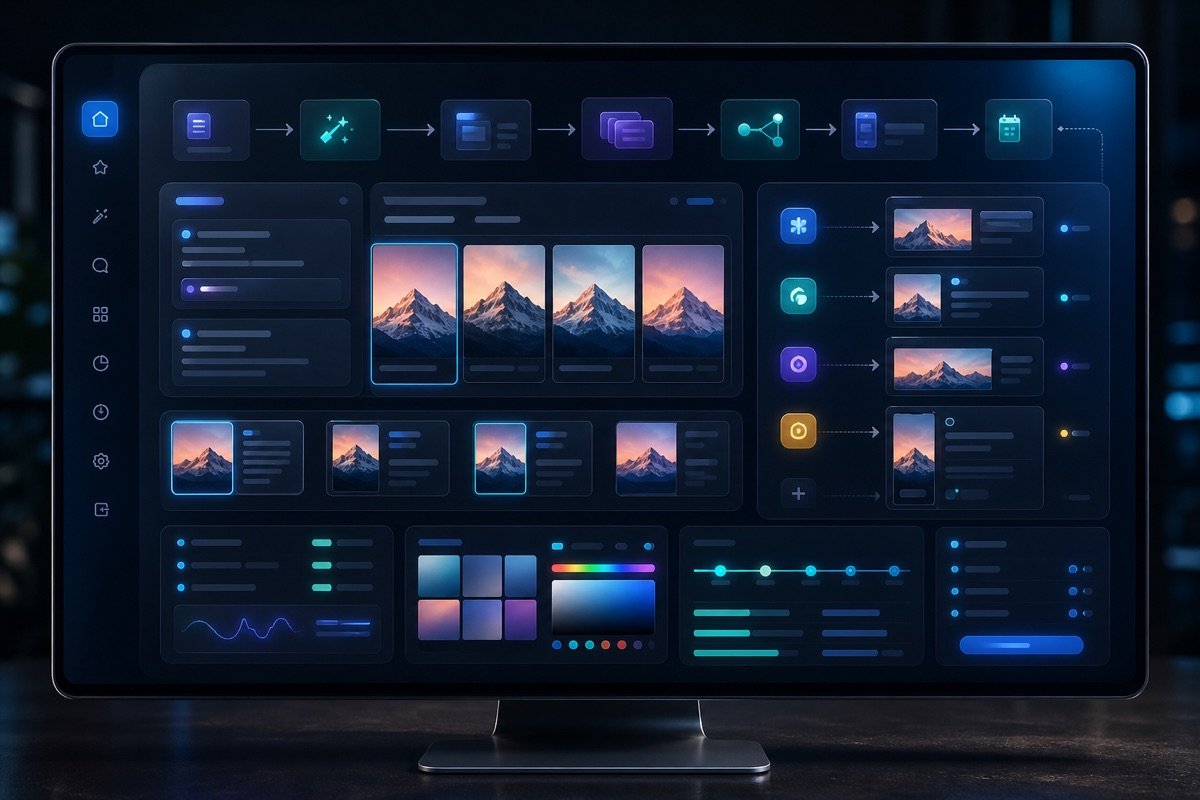
A clear content strategy is the foundation. DeepSeek helps us build the framework. It suggests effective topics and proposes suitable post structures.
You can use DeepSeek to outline a posting calendar. Just provide the main topic. For example, a prompt could be: “Plan Q3 content for new product X, focusing on benefits for business customers.” DeepSeek returns detailed ideas and gives your marketing team a clear direction right away.
We save a lot of research time. This is especially useful when you need varied content.
DeepSeek's strength lies in generating variations. From one core idea, it produces dozens of versions, each with a different tone, tailored to different audiences.
Try prompts like: “Write 5 versions of a post about a 30% discount on spa services, each in a different tone (humorous, professional, urgent, friendly, inspiring).” DeepSeek understands the request and delivers a range of drafts. We only need to review and pick.
This greatly reduces the creative effort. Your marketing team can focus better on strategy.
Every social platform has its own rules. DeepSeek understands these differences and tailors content to fit.
For Facebook, DeepSeek may suggest using more emojis to make posts friendlier. For LinkedIn, it prioritizes a professional tone and focuses on business value. For Zalo, the content is short and direct. DeepSeek adjusts the length automatically and even suggests how to use hashtags well.
Just add the platform to your prompt. For example: “Optimize this post for LinkedIn, emphasizing professionalism and a call to connect.” DeepSeek does the rest, keeping the workflow efficient.
DeepSeek is a capable helper. Still, the human factor remains essential. Your marketing team needs to review carefully. After DeepSeek generates content, we review it, make small edits, and then schedule the post.
We at MONA also use DeepSeek internally. It helps our marketing team produce drafts quickly, and our specialists then refine them. This speeds up content production while we keep quality at the highest level.
This workflow ensures consistency and raises overall productivity. Posts get approved quickly and we are ready to spread the message.
DeepSeek has helped you optimize content and SEO effectively. Together, we explored prompt techniques to get the most out of this tool.
However, even a powerful standalone tool has its limits, especially when your business needs a complete automation workflow.
Using DeepSeek or any AI manually always costs time. Staff have to type in data, then copy and paste the results by hand, which easily leads to mistakes.
Every manual step is a delay. Work efficiency falls short of its best. It is hard to scale when everything depends on human hands.
Disconnected AI tools also can't exchange data on their own. Information gets fragmented and we lose time putting it together.
Your business owns valuable data: customer information, transaction history, product data. These resources need absolute protection.
When you use outside AI tools, data can leak. Security risks are always present, and controlling information becomes difficult.
A synchronized system keeps data safe. All information circulates internally and security is guaranteed at the highest level.
DeepSeek really is a capable helper. But it only reaches its full potential when integrated. It needs to sit inside a complete automated process chain.
Imagine DeepSeek automatically receiving requests from your CRM system. It generates the content on its own. Then the content moves to your web management software for publishing. That is a seamless workflow.
This model saves significant resources. Time is optimized and return on investment rises noticeably.
We at MONA understand that AI tools are a means. The end goal is to automate the entire process, and we need a system powerful enough to do it.
MONA specializes in developing custom automation software. We integrate DeepSeek and many other AI technologies. Everything sits in one closed-loop solution.
Custom software gives you full control of your data. We ensure security, and operations run smoothly and efficiently.
MONA has over 10 years of experience in the industry. We are proud that 14,000+ projects have trusted us. Our customer retention rate is 85%. Team of .
We have delivered many projects for large-scale businesses. A retail chain with 35 branches in Ho Chi Minh City and Da Nang uses MONA's system. As a result, inventory management, sales and customer care are fully automated, and efficiency has risen noticeably.
We can bring DeepSeek and other AI tools into the MONA system. You get a powerful automation chain where machines handle every repetitive task and your people focus on strategic work. Take your business further with a dedicated automation solution.

CEO & Founder · The MONA
Founder of The MONA, who built a services company of 60+ staff with 14,000+ projects delivered. Khánh Hùng shares how he thinks about building systems that run themselves, automating a business, and the real lessons from delivering projects at MONA.
 197




Professional website
design services
Own a website with a beautiful, 100% exclusive design and a lifetime warranty, with the ability
to expand features flexibly as your business grows, starting today!






 MONA will never sell your information or send you spam


 MONA will never sell your information or send you spam
