
 MONA OS 2.0
 Partner with MONA


 Tự động hoá doanh nghiệp
 Cẩm nang SEO
 Digital Marketing
 Kinh nghiệm thiết kế website
 Hạ Tầng Server
 Giáo dục


 VI
 EN













Message us on
Zalo Official


 ProductsNew

 ProductsProducts
 Mới ra mắtKHA AI 2027App tự edit video, tự đăng mọi mạng xã hội, 2 phút mỗi ngày










 Website designLooks good and wins customers over.
SEO servicesBrings in customers searching for exactly what you sell.
 Tư vấn digital marketingKéo khách từ nhiều kênh, đo bằng số thật.
Corporate video productionVideos introducing your company, factory and team.
 NewAI video productionCompany story films made with AI.
 Custom software developmentCRM, ERP and HRM built for your business.
 Viết AI Agent theo yêu cầuĐặt riêng một trợ lý AI cho đúng việc của mình.
 Tư vấn chuyển đổi AIĐưa AI vào vận hành của cả công ty.
NewMONA LMSManagement for centers and schools.
MONA SkillHubInternal training for company staff.
 NHTQ systemEnd-to-end China–Vietnam shipping operations.
MONA JMSManagement for gold, diamond and pawn shops.
 MONA E-LearningA website with every feature you need to sell courses.
 How to sell online courses (course)More than 30 free lessons on selling courses on autopilot.
 MONA Cloudmonacloud.vnServers to get your apps and websites running.
 MONA Basemonabase.vnPostgres database, sign-in and file storage.
 MONA Mailmonamail.vnSend OTP, order and invoice emails from your software.
 MONA Paymonapay.vnAccept bank transfers via VietQR and notify your software when the money arrives.
 MONA eInvoiceComing soonIssue e-invoices that meet tax standards.
Gấu CườiTrả lời khách 24/7 trên web, Fanpage, Zalo và thu lead cho sale.
 Gấu TeleSalesGọi điện tư vấn, chăm khách như tổng đài viên thật.
Dê CườiTư vấn và chốt đơn cho shop ngay trong khung chat.
Gấu WebmasterNhắn nhóm Zalo là website được sửa xong.
 Gấu Pháp ChếSoạn hợp đồng, rà điều khoản trong vài phút.
 Gấu Báo GiáLên báo giá đúng mẫu và gửi khách ngay.
 AI chăm sóc khách hàngTheo dõi và giữ chân khách hàng cũ.
 Gấu Tuyển DụngLọc hồ sơ, hẹn lịch, phỏng vấn ứng viên.
 Mới ra mắt
KHA AI 2027
Xây kênh chuyên gia 2 phút mỗi ngày
Quay bằng điện thoại, AI tự edit video, tự đăng lên 16 nền tảng và tự trả lời bình luận, tin nhắn.
853.366lượt xem trên kênh CEO MONA sau 29 ngày
 Anh Khánh HùngCEO MONA đang dùng mỗi ngày
Xem app làm được gì
 AI
Gấu Cười MONA ĐANG TỰ XÀITrả lời khách 24/7 trên website, Zalo OA, Messenger và thu lead về cho sale.
Dê CườiChốt đơn bán lẻ và sàn: Shopee, TikTok Shop, web. Chăm cả khách sỉ, đại lý.
Gấu WebmasterCập nhật nội dung, tối ưu SEO website mỗi ngày.
Gấu TeleSalesGọi điện tư vấn, chăm khách như tổng đài viên thật.
Gấu Tuyển DụngLọc hồ sơ, hẹn lịch, phỏng vấn ứng viên tự động.
AI chăm sóc khách hàngGiữ khách cũ, cứu lead đã rớt cho phòng kinh doanh.
Gấu Pháp ChếSoạn hợp đồng, rà điều khoản trong vài phút.
Gấu Báo GiáLên báo giá đúng mẫu, gửi khách ngay khi có yêu cầu.
 Chuyển đổi AI toàn phầnGiải pháp tổng cho doanh nghiệp, 3 lớp triển khai.
 Viết AI Agent theo yêu cầuĐặt riêng một con AI gánh đúng nghiệp vụ của bạn.
 Custom softwareCRM, ERP and HRM with built-in AI automation.
 SEO & AEO thời đại AIĐược Google lẫn AI trích dẫn, không chỉ xếp hạng.
 Kiến thức AI cho doanh nghiệpBài phân tích, hướng dẫn ứng dụng AI vào vận hành.
 Free AI courses
 AI tools at work
App mới · KHA AI 2027
Xây kênh 2 phút mỗi ngày
AI tự edit video, tự đăng mọi mạng xã hội
Free consultation, 8am–10pm every day

09 October, 2024

Now a global phenomenon, TikTok is a place where creative short videos can help you do PR and communicate fast. To get there, learning how to make TikTok videos is the key to making your video trend and draw thousands of views. In this article, we MONA Media will guide you through making videos on TikTok in detail so you can create engaging videos while making the most of your reach to target customers.
As you can easily see, TikTok has become a popular platform with millions of users worldwide. It is seen as an ideal place to show creativity and attract viewers. So there is no reason to skip this platform when you want to strengthen your business's or brand's online presence, right? To do it effectively, let's go through a guide to making great TikTok videos in what MONA provides below.
The core of going viral has to come from the quality of the video you make on TikTok. So to record a quality TikTok video, don't skip the steps below:

Before you start recording, you need a detailed script. Preparing a script saves time and keeps the video coherent and engaging. You can look at current trends and create content that fits your target audience to draw viewers' attention.
Once you have a script, prepare the equipment and props you need, such as a camera, tripod, lighting and suitable outfits. You also need to decide whether to record directly in the TikTok app or use your phone's camera and edit the clips afterward.
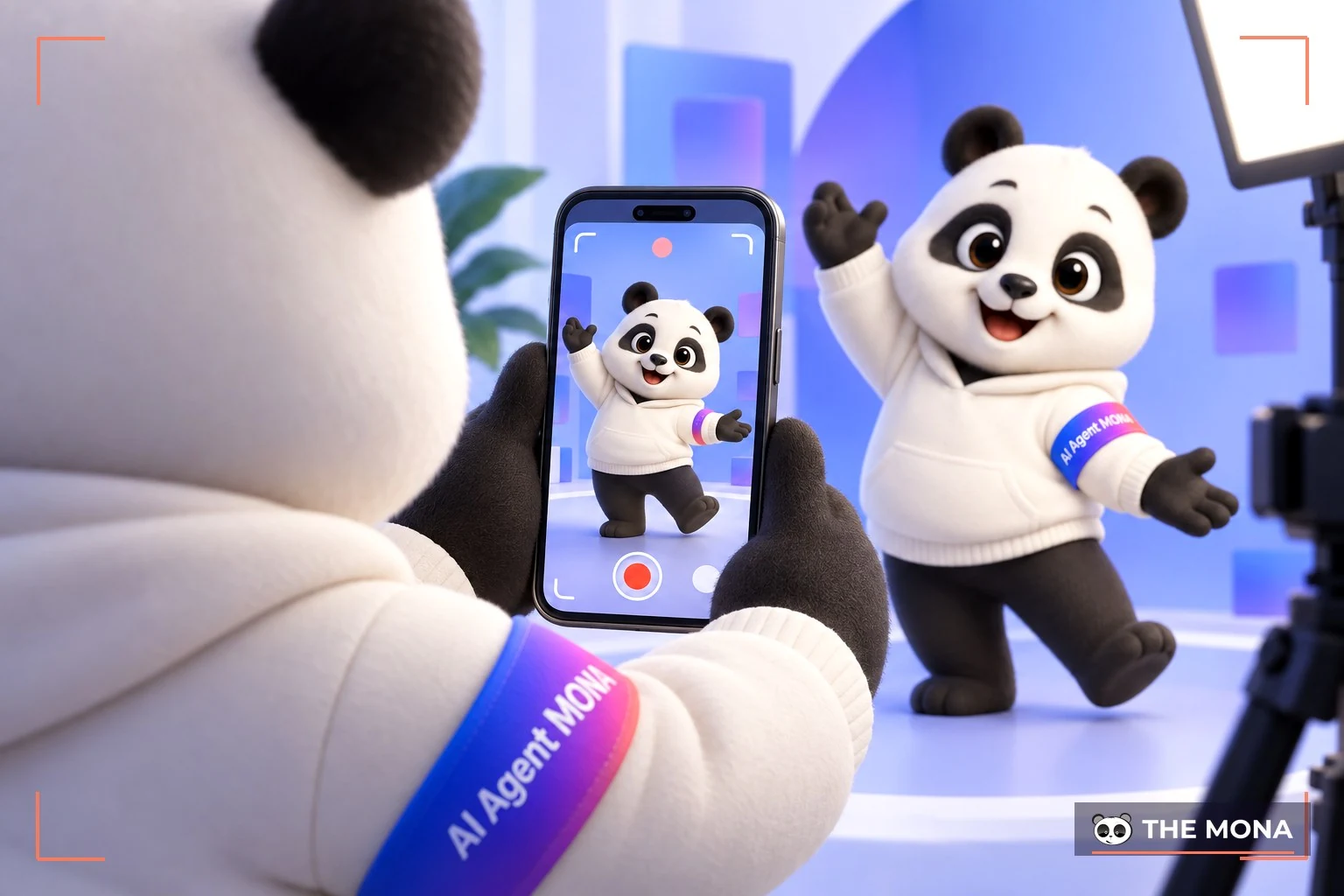
Once the preparation is done, you can start recording. To make “million-view” videos, don't miss the tips MONA shares below:
If you record on your phone, don't skip editing before you post. It makes your video better and more attractive than a raw video that hasn't been “polished.”
If you record directly in the TikTok app, you can use built-in editing tools such as:

After editing the video, the last step in how to make a TikTok video that MONA wants to mention is to add some “spice” to make your video stand out, as follows:
You don't need to shoot beautifully; a video that touches emotions goes viral more easily. See how MONA uses everyday moments to tell stories, build trust and close orders fast.
TikTok boosts creativity on the platform by letting users freely make videos from existing still photos. If you also want to use the method of making TikTok videos from pictures, MONA will guide you to make impressive TikTok videos from one or several pictures step by step.
►Step 1: Open the TikTok app to create a video
First, open the TikTok app on your phone, then tap the plus icon “(+)” at the bottom of the screen to start creating a new video.

►Step 2: Choose “Templates”
Next, you will see several options for creating a video. Choose “Templates” to make a TikTok video from a picture.

►Step 3: Choose a video template from one of many pictures
TikTok will give you a list of video templates. Depending on your needs, you can choose a template labeled “Select up to 1 photo” if you want to make a TikTok video with just one picture. Or you can keep scrolling to templates with a multi-photo mode. Then tap “Use template” to move on to the next step.

►Step 4: Choose photos
Now choose the photos you want to use for your TikTok video. Tap “Next” when you have finished choosing.

►Step 5: Edit the video
At this step, you can add filters, adjust the voice, add sound, set effects and insert text into your video. TikTok offers many tools to make your video livelier. When you finish editing, choose “Next” to go to the final step.

►Step 6: Post the video
Finally, tap “Post” to upload the video to your TikTok page. You can also share this video with friends via Facebook, Messenger, Telegram and more.

You can also explore the ways to make great TikTok videos from video. TikTok lets users make a video from existing clips or record directly in the TikTok app quickly and easily.
Khánh Hùng shares in the video:
Business owners who turn on the camera often speak hesitantly, go quiet to think, and miss ideas. I am not a content creator, so I don't have ready-made tricks to hold viewers. The AI personal-brand app handles the rough cut: removing extra parts, reordering ideas and picking a hook to put first. The opening line of this video was also picked by the app.
Removing extra parts, reordering ideas and picking a hook are covered in detail in the article speaking hesitantly when recording video of the nhanhieu.ai app.
Making a video on TikTok from existing videos in your library is very convenient and quick for creating engaging content. To do it, you can follow the specific steps below:
►Step 1: Open the TikTok app
First, do the same as in making a TikTok video from pictures: open the TikTok app and tap the plus icon “(+)” in the middle of the home screen to start creating a new video.
►Step 2: Upload an existing video
Choose the section “Upload” to choose a video from your photo or video library. You can choose one or several videos that you want to edit into one complete video.

►Step 3: Edit the video
After choosing the video, tap “Next” to start editing. TikTok provides many editing tools to add sound, effects, filters, text and stickers to your video. You can trim and stitch, adjust playback speed and add special effects to make the video livelier. When you finish editing, tap “Next”.

►Step 4: Add details and post
At this step, you can add a description and hashtags, tag friends and adjust privacy settings for the video. Tap “Post” when done to share your video on TikTok.

If you want to create a TikTok video right in the app, follow the steps for making a TikTok video directly in the app below.
►Step 1: Open the TikTok app and choose music
First, open the TikTok app and tap the plus icon “(+)” in the middle of the screen. To choose music for the video, tap “Add sound” at the top of the screen. Then pick the song you like and tap “Record with this sound”.

►Step 2: Record the video
After choosing music, go back to the recording screen. Tap the red button in the middle of the screen to start recording. You can record several scenes by tapping this button to pause and start again.

►Step 3: Edit the video
When you finish recording, tap the check mark ☑ to move to editing. Here you can add filters, voiceover, text, stickers and other effects. When you finish editing, tap “Next”.

►Step 4: Post the video
Next, enter a description for the video, add hashtags, tag friends and adjust privacy if needed. Finally, tap “Post” to share your video on TikTok.
With TikTok booming lately, having a strong TikTok channel has become a key part of many businesses' marketing strategy. If you are looking for a professional, effective way to make TikTok videos but don't have enough resources, The TikTok channel building service from MONA Media is the best choice. MONA's experienced experts, who always keep up with the latest trends, will analyze your market and business to find the channel growth strategy that fits best.

When you work with MONA to raise brand awareness, we ensure you will get:
We understand that every business has its own needs and goals when building a TikTok channel, so MONA will tailor the service cost to fit each business's specific budget. In addition, MONA Media also works with you in reaching customers and raising conversion rates with a TikTok advertising service full package. CONTACT US NOW via HOTLINE 1900 636 648 for the most detailed advice on the service.
TikTok is a social network with millions of users worldwide. To create engaging videos that attract viewers, professional video editing apps are a must.
Below are some great TikTok video apps that you should check out, which will help you learn how to make TikTok videos that trend faster.
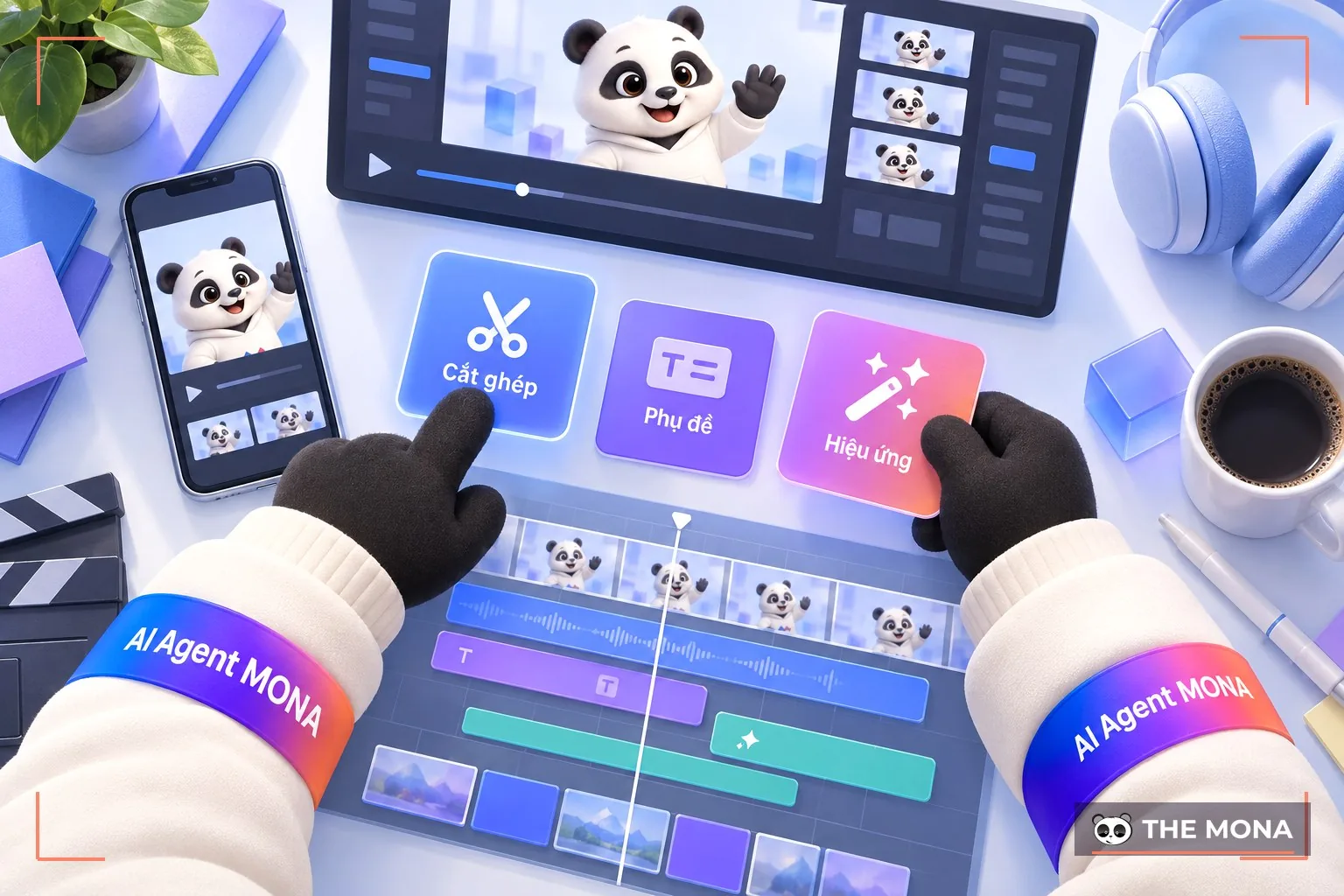
Of course, to trend fast, picking up good tips is an effective solution for any newbie. Take a look at the notes that MONA has put together below to bring you “million-view” TikTok videos in the shortest time.

One of the key factors in getting a video trending on TikTok fast is using trending songs. When choosing music, prioritize tracks with many uses and high engagement on the platform. These songs not only help your video catch viewers' eyes but also raise the chance that TikTok recommends it more.
Adding descriptions and text to a video not only helps viewers easily understand what you want to convey but also adds emphasis to the video. You can use TikTok's editing tools or video editing software to add descriptive text, dialogue or fun messages. Choose fonts, colors and effects that suit your video to make it more appealing.
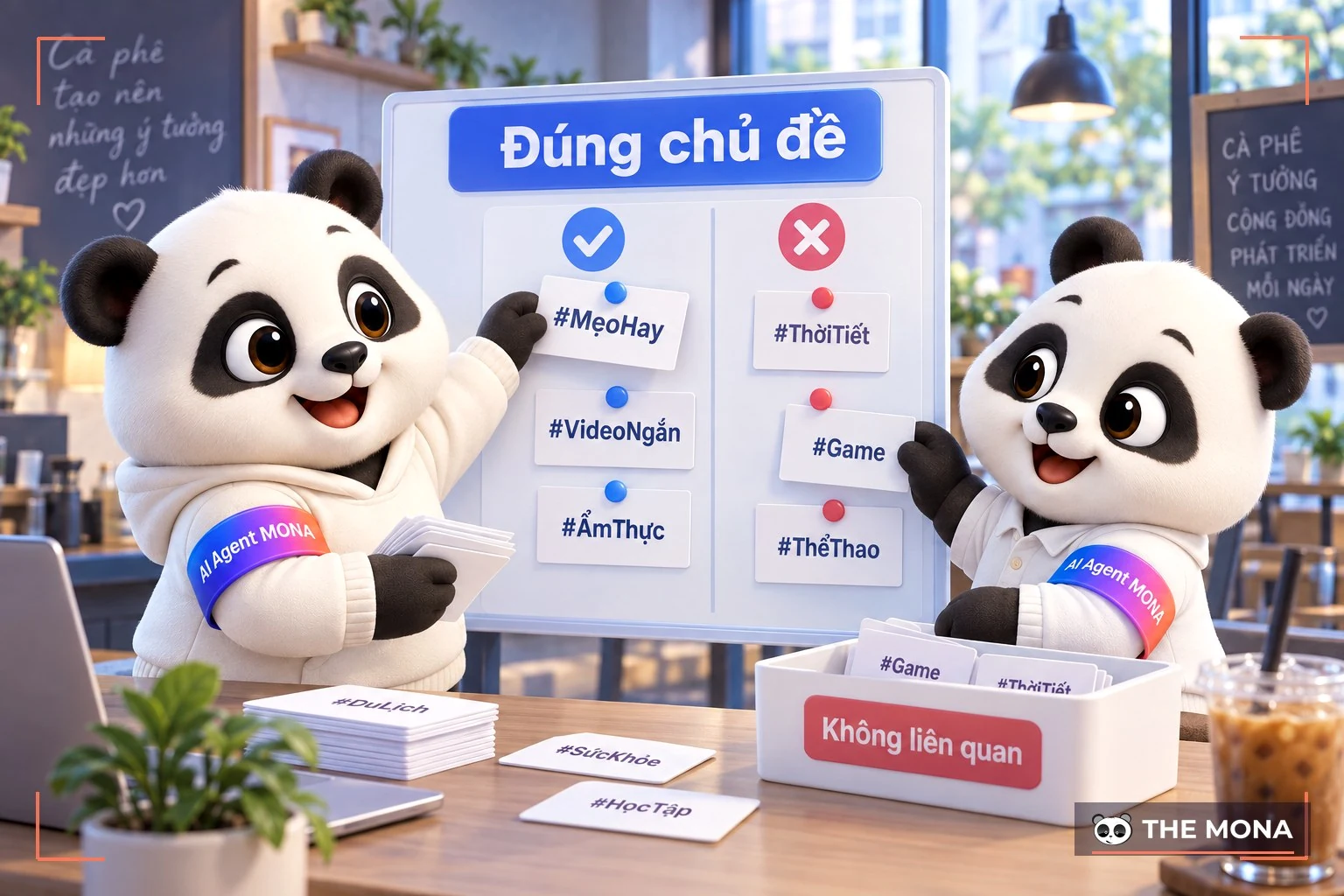
Hashtag will help your video reach the right audience. So when using hashtags in how you make TikTok videos, choose hashtags that are hot and related to your video content.
Popular hashtags will help more viewers find your video. You can also create your own hashtag to encourage viewers to join challenges or trends that you start.
A video with sharp images and clear sound gives viewers a better experience, which also raises the chance of engagement. Record in high resolution, use good lighting and make sure your video isn't shaky. Using suitable effects and filters also makes your video livelier.
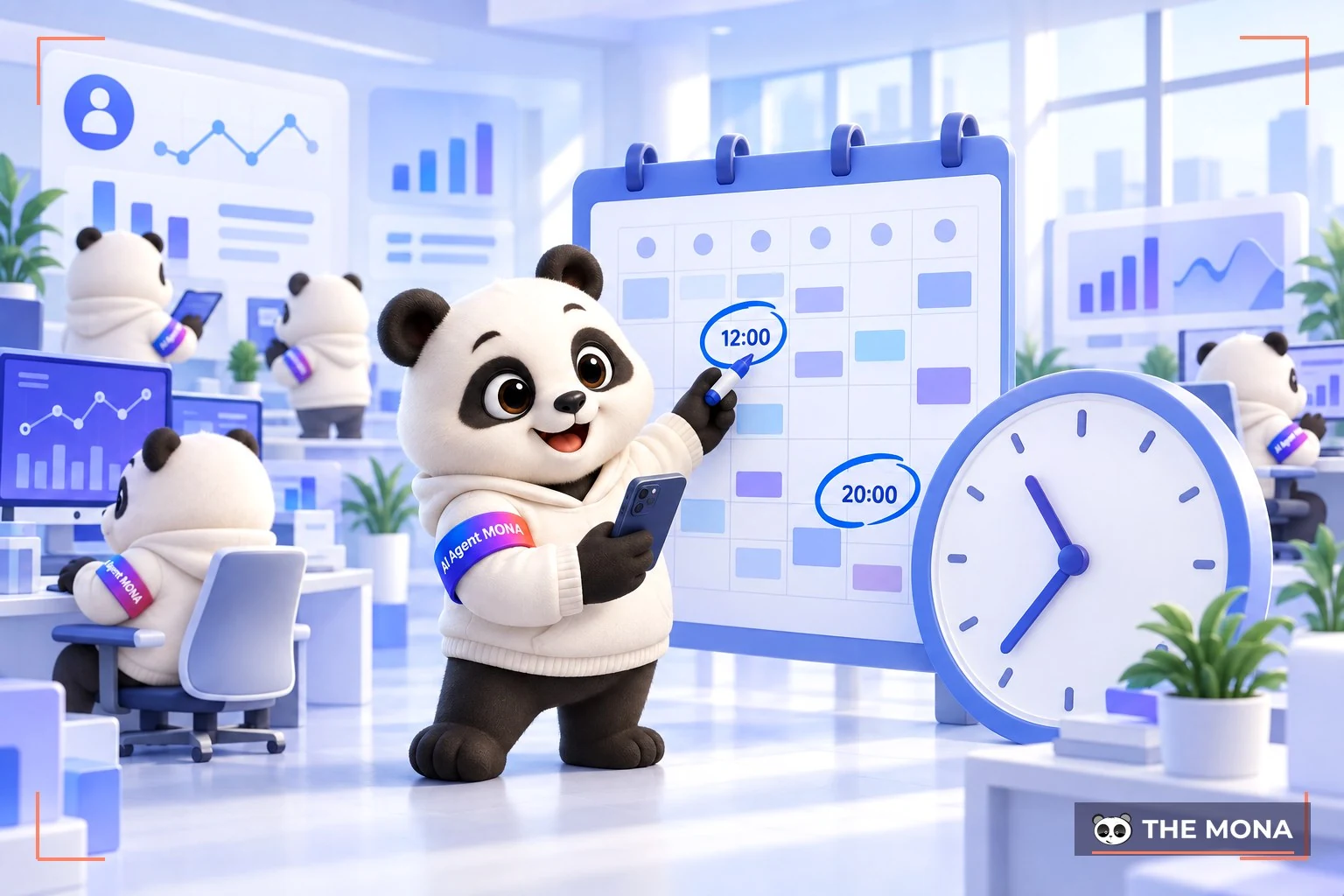
Posting at the right time has a big effect on whether your video starts trending. Time slots when more people are online help your video reach more viewers.
Post during peak hours such as 6-9 AM in the morning, 11 AM-1 PM at noon and 7-9 PM in the evening. Depending on the audience you want to reach, test several times to find the slot that works best.
If you want your video to grab attention fast and start trending on TikTok, you need to know the how to make TikTok videos good and professional. Remember that TikTok is a platform for creativity, so don't hesitate to turn your original ideas into quality videos. We hope this guide to making TikTok videos from MONA gives you not only more an effective way to build a TikTok channel that attract viewers, but also helps you promote your personal brand to a wide audience of potential customers.
If your budget doesn't stretch to a full shoot with staging, there is another route: MONA's AI video service page. The parts that need to be real are still filmed for real, while AI handles the backgrounds and staging, usually at about a third of the cost. If you would like to try it yourself first, read AI video editing tools.
Read more: Monthly cost of hiring a content team for video, with a 10-row self-calculation table

CEO & Founder · The MONA
Founder of The MONA, who built a services company of 200+ staff with 14,000+ projects delivered. Khánh Hùng shares how he thinks about building systems that run themselves, automating a business, and the real lessons from delivering projects at MONA.
 1,5K




Professional website
design services
Own a website with a beautiful, 100% exclusive design and a lifetime warranty, with the ability
to expand features flexibly as your business grows, starting today!






 MONA will never sell your information or send you spam


 MONA will never sell your information or send you spam
