00Create tests · shuffle tests · mock exams

Shuffle multiple-choice tests online for free

This tool takes questions from text, CSV or a form, creates up to 8 test versions, shuffles questions and answers, then lets students take a timed mock test. Answers are graded right on the device, history is saved in the browser and tests are shared by link, with no account needed.

Clients often come to MONA with a test file they've just finished editing, due to the whole class in 15 minutes. We built this tool for exactly that moment.

MONA bear shuffling question cards and checking a multiple-choice answer key

01Works right in the browser

Create and shuffle tests right here

Load 10 sample questions to see the whole flow in a minute, or paste your own test. Everything is processed in your browser, so your test is never sent to MONA's servers.

Multiple-choice test shuffler Your data stays on this device
01

Enter questions

No questions yet. Click “Load 10 sample questions” to try it out.
02

Choose how to shuffle

Actions

The tool shuffles both questions and answers. “All of the above” always stays last.

03

Print, copy or take a mock test

Need a question bank, anti-cheating and AI essay grading for a whole center?

That's the exam module of MONA LMS. This free tool handles tests on your device, while the full system manages students, exam sessions and results centrally.

Xem module thi MONA LMS

Test history on this device

No test attempts saved yet.

02Blueprint first, shuffle second

How to shuffle tests so answers don't leak

A class of 40 students with 4 test versions can still copy from each other if version 01 only reorders the questions and the correct answer is still B. Before handing out a test, we always check 3 things: how questions are split across topics, the difficulty, and how answers are spread across A, B, C and D. Check first, then create the versions. This catches a very real mistake: the test is shuffled, but 6 hard questions accidentally end up in the same version.

With this tool, you choose the number of questions per test and click “Create test versions”. Questions and answers are shuffled separately, and only “All of the above” stays last so the question still makes sense. MONA has seen many test files where the last option depends on the 3 above it, so that small rule is built into the shuffler itself. Check the answer key once before printing. If your test covers several chapters, split the questions by chapter first and shuffle each set, because this page doesn't have difficulty filters or topic tags yet.

Bottom line: random shuffling does not replace a test blueprint. The tool handles order; the test writer is still responsible for the knowledge scope and difficulty.

MONA bear shuffling many question cards into different test versions
Shuffle questions and answers, and keep the catch-all option last.

03Scenario: 500 test takers

Where do online exams with 500 people at once usually break?

500 people clicking submit within 30 seconds create a very different peak load from 500 people reading through a test over a whole session. On MONA projects, we split test loading, draft-answer saving and grading into separate steps; the submission queue has to hold the data while grading is busy. Measure first, then open the exam. A load test should simulate at least 3 patterns: everyone logging in at once, periodic autosave and last-minute submissions.

Things usually break at a query that pulls the whole question bank, images in the test that are too heavy, a login session that expires mid-test, or a submit button that sends twice on a flaky connection. We give each submission a unique ID, autosave both locally and on the server, and go by server time rather than trusting the device clock. Every session needs logs for all 4 checkpoints so problems can be traced. The 500 figure in this section is a load test scenario to run before exam day, not a general promise for every infrastructure setup.

The tool on this page runs on each device, so there is no server receiving 500 submissions. When you need a centralized exam room, MONA LMS on mona.media is what handles accounts, exam sessions and results.

MONA bear team monitoring the load of a large online exam

Three flows to test: joining the exam, autosave and submission.

04Limits we state plainly

Preventing cheating in online exams takes more than shuffling

Shuffling 8 versions makes it harder to copy from a neighbor, but test takers can still open another tab, take screenshots or ask the person next to them. This free tool doesn't lock tabs, turn on the camera or track behavior, and we say so plainly here. If the test is for certification or placement, pick 3 layers of control based on the risk: different versions, a time limit and identity checks.

In a full exam system, MONA can log when someone leaves the tab, shuffle questions per account, set a time per question, check the camera and keep flags for proctors to review. Don't switch everything on for every test: a 15-minute review quiz only needs shuffling, while a 90-minute final exam needs clear rules and a privacy notice. Try the tool first to see how shuffling works, then decide on tab locking, camera or proctoring based on what the exam is for.

Read more about how this is set up in anti-cheating software for exams and about managing questions in exam question bank management software.

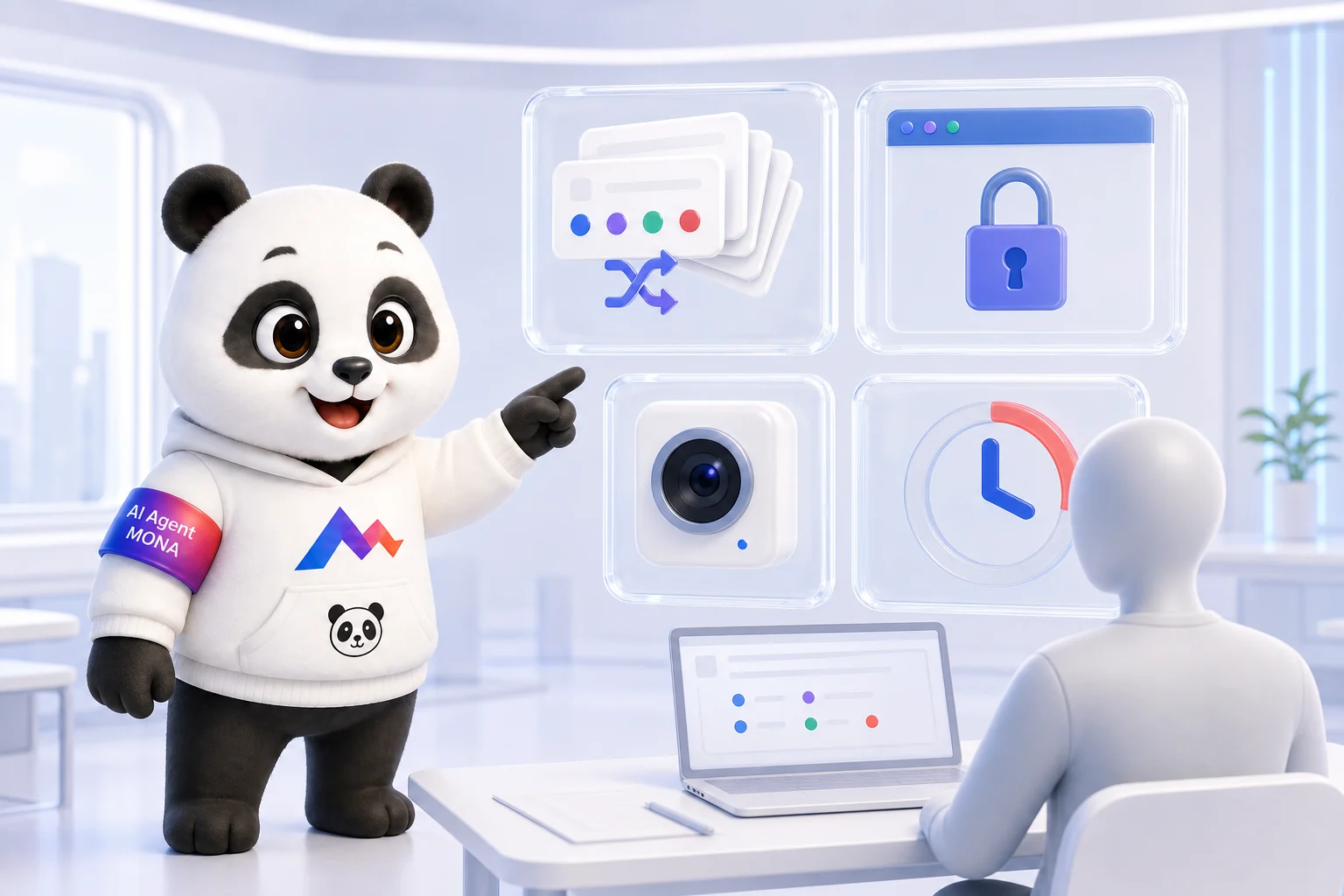
MONA bear pointing to four anti-cheating layers: shuffling, tab locking, camera and time limits
Shuffling is just 1 of 4 common control layers.

05Two different ways to grade

Automatic multiple-choice grading and AI essay grading

Multiple choice has a fixed answer key, so the machine just compares each student's choices with it; a 50-question test can be scored the moment it's submitted. The tool on this page does exactly that: score, wrong answers and time taken. It's fast, clear and easy to check. We use the answer key as the single source of truth, because multiple-choice grading doesn't need AI in the middle.

Speaking and Writing are a different matter: the answer is audio or long text, and grading needs criteria, band descriptors and feedback. In the exam prep projects MONA works on, AI does the first round, pointing out errors and suggesting fixes, while teachers use the rubric to review the important papers. How much to automate depends on the purpose: a practice test, a placement test or a final exam. Decide which one it is first. You can read more about multiple-choice grading software and online essay grading.

Multiple choiceEssay, Speaking, Writing
Compared against 1 correct answerAssessed against several criteria
Score as soon as it's submittedNeeds feedback and a review step
No AI neededAI handles the first round of grading

06A real story from MONA

Why does MONA offer this test shuffler for free?

Many centers find MONA through a free practice test they use to collect trial-class sign-ups or place students. A good test brings students in, but as numbers grow, the center starts needing 4 things: student profiles, a follow-up schedule, results by skill and reports for consultants. We kept seeing that same starting point, so this tool handles the first step well and lets you see how your test runs before you think about a bigger system.

The free page doesn't store tests, require a login or send data to MONA; when you click share, the test is compressed into the part of the link after the # sign. When a center wants to run a practice test campaign, we connect the test to the sign-up form, CRM and follow-up flow instead of leaving results spread across 3 files. Start with a real test. See also IELTS mock test website and the IELTS mock test demo (coming soon) to see what a full implementation looks like.

07Read next, based on what you need

Part of MONA EduTech

We grouped 9 reading paths by task, so you can go straight to the part you're stuck on instead of digging through the whole library. Choosing an exam tool? Start with the overview. Standardizing test files? Open the shuffling article. Already running large exams? Go to the question bank and anti-cheating articles. Pick one path first. Every path eventually leads to MONA LMS, MONA Software EduTech's product for managing education centers.

08FAQ

Questions about test shuffling and online exams

How many test versions can I create?

The tool creates 1 to 8 versions in one click. Each version gets its own order of questions and answers, plus an answer key to print or copy.

Does the tool store my test?

Your test is not sent to a server. The questions live only in the memory of the current tab; score history is saved in localStorage on the device itself, and you can delete it with the browser's clear data feature.

Does it grade essays?

No. This tool grades multiple-choice questions with 1 correct answer. Essays, Speaking and Writing need grading criteria along with an AI or teacher review flow in the MONA LMS system.

Can students take tests on a phone?

Yes. The exam screen works down to a 375 px width, with a timer, question flagging and a list of answered questions. Still, try the link on the phones your students actually use before the exam.

How do I send the test to students?

Create the test versions, click “Share test link”, then copy the link with the # part at the end. The test data is compressed and base64url-encoded in the link; recipients open it and click start, with no account needed.

What is the limit on questions per test?

The practical limit depends on how long the share link gets. For printing and testing on the device, the tool takes every question you've loaded; for each version you can choose anywhere from 1 question up to the total available.

Does the data go to a server?

No. Reading files, shuffling, taking and grading tests all run in JavaScript on your device. The test content only travels with a share link when you send that link to someone yourself.

How is it different from Google Forms?

This tool focuses on creating 1 to 8 versions, shuffling both questions and answers, keeping the catch-all option last and printing each version with its answer key. Google Forms is better for collecting answers centrally; this page is built for fast shuffling, practice tests on the device and sharing tests without an account.

09From test file to a real exam room

Build an exam module that fits the way your center already works

MONA's clients usually already have tests, students and a grading process. We start from those 3 things instead of making the center change how it works to fit a rigid template.

Open Gấu Cười to see the exam module

The 6 steps we go through with you:

  1. Start with 1 real test set and your current grading method.
  2. Map accounts, exam sessions and proctor roles.
  3. Agree on shuffling, autosave and submission.
  4. Build a trial on the actual devices you'll use.
  5. Load-test for the number of people joining at once.
  6. Hand over, monitor the first session and fix any snags.
0:00